




In this classic issue from Before&After Magazine you can learn how to artistically erase part of an image, shaping it to fit the space you have.
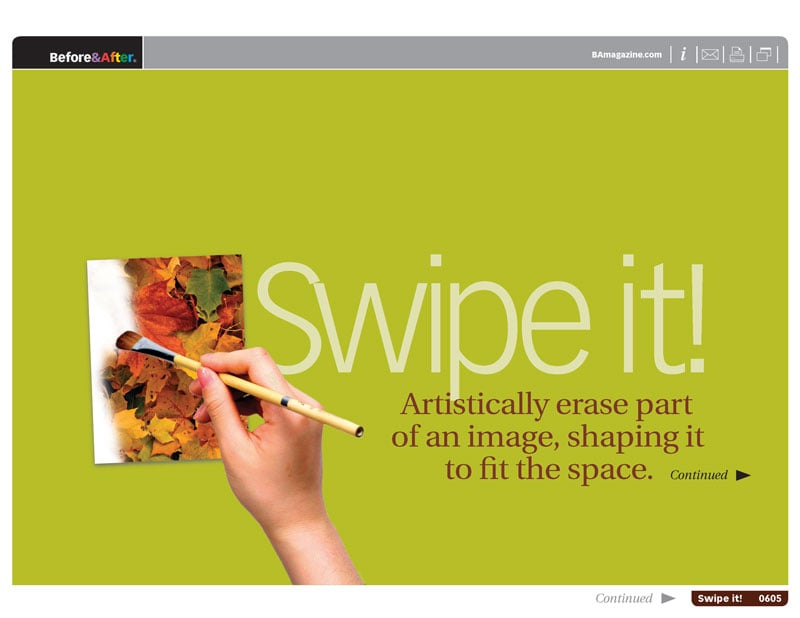
Techniques include:
- Shaping the interaction between type and image
- Solving problems with incompatible shapes
- Making photographic headlines
- Spotlighting products
Commenting is easier and faster when you're logged in!
Loading comments...

Recommended for you

Article
Flipping Frames to Make Front and Back of Page Align
Okay, so you’re making two-sided name tags (or anything else that has a fr...

Article
Story Versioning in InCopy
InCopy is a powerful edition to any workflow where collaboration between editors...
Article
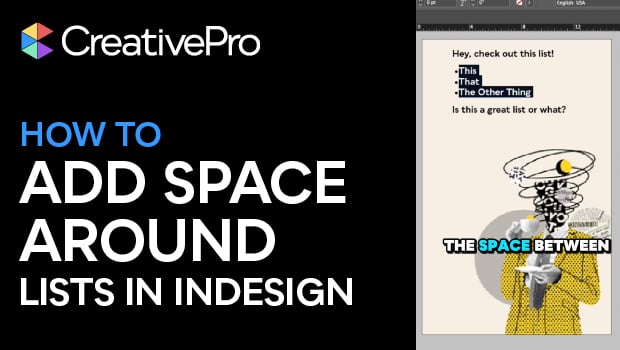
Create Space Around a List in InDesign
Add extra space around a list, without creating multiple paragraph styles!