




Here’s a quick design tip on layout from issue 41 of Before&After Magazine.
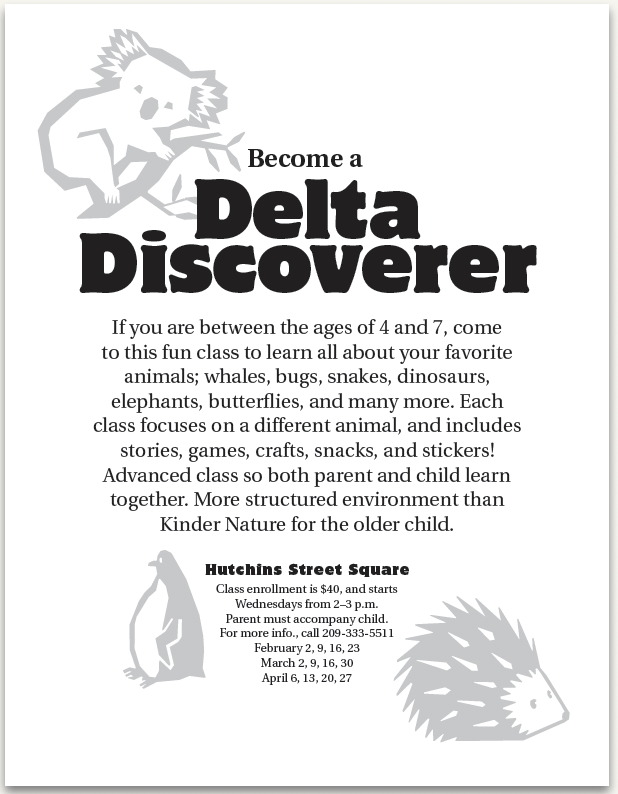
You’ve whipped out an inexpensive, black-and-white flier, but its cute little animals are starting to take over; they’re bolder than the text!
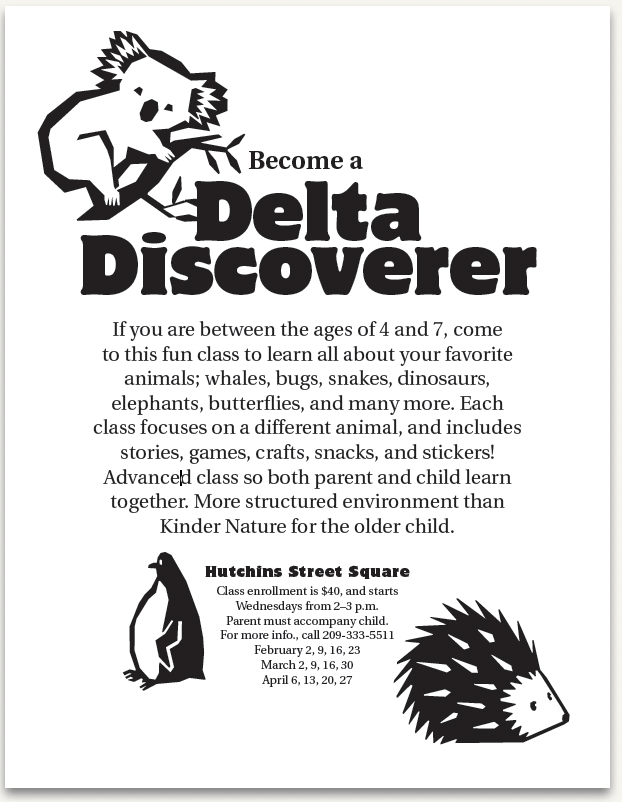
Here’s a quick fix: Instead of redesigning, just lower their opacity, and watch them quietly recede.
CreativePro members can download original content from Before&After Magazine, a beloved resource that taught a generation of newly minted digital designers how to design and communicate effectively with the written word. See our archive here.
© John McWade/Before&After Magazine, courtesy of Gaye Anne McWade.
This article was last modified on December 18, 2025
This article was first published on June 27, 2025
Commenting is easier and faster when you're logged in!

Recommended for you

Before&After: Gestalt Theory: Isomorphism
We humans interpret visual objects based on our own experience and memories.
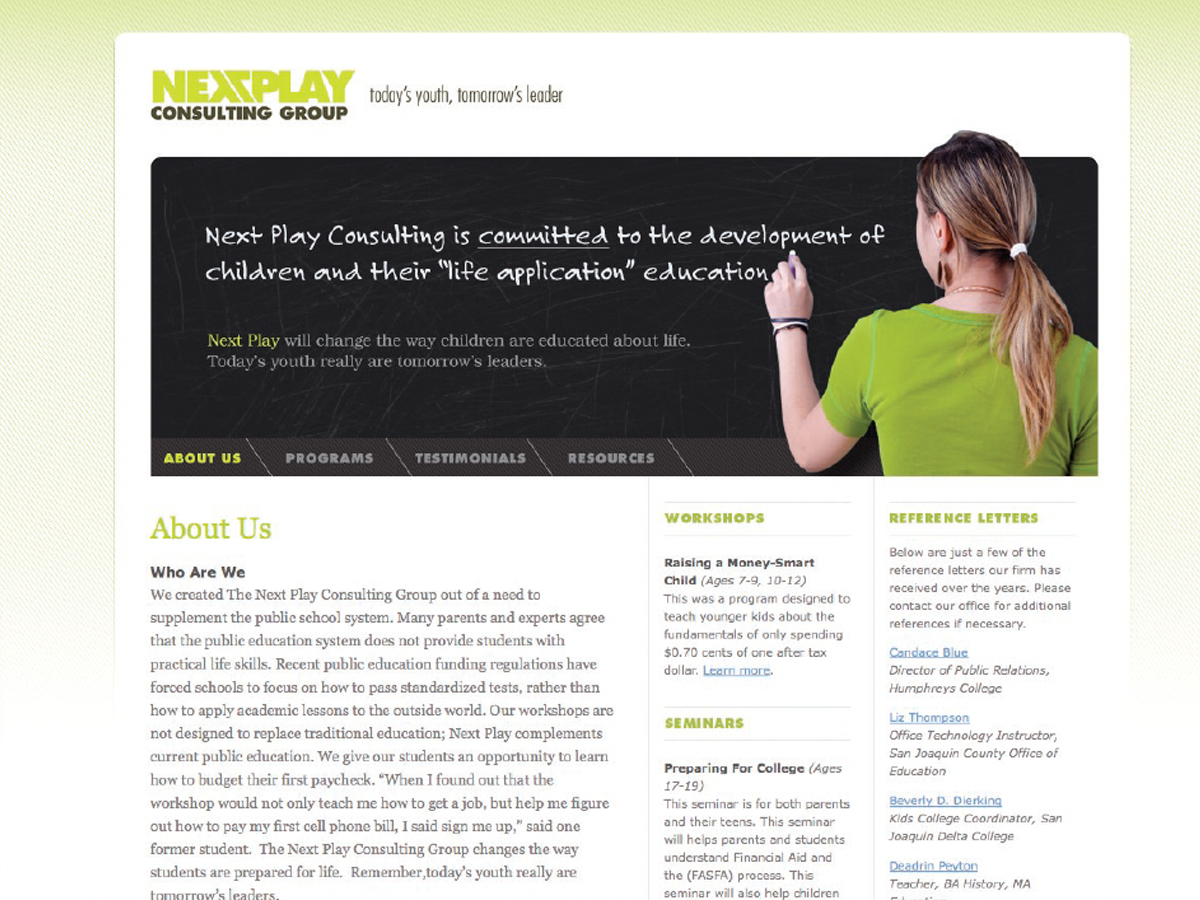
Before&After: Design a Chalkboard Web Banner
Handwriting on a strong design element makes a powerful, simple statement.

Before&After: Design From a Creative Brief
To know if you’ve reached a design goal, you must first know what the goal is. T...