


Before&After: Design a Multi-Purpose Flier
Learn how to create a template for that low-cost workhorse—a single-sheet flier, which is inexpensive to make and easy to distribute.


With today’s color printers, your single-sheet flier can look vibrant. But who has time to design it well? If you work from a model, you do! A model makes your design decisions for you—headline goes here, photo goes there, and so on. This saves time, and if you have a series of fliers, you project a consistent look while not reinventing the wheel on every page. This 16-page article from issue 43 of Before&After Magazine shows you how to create a template for that low-cost workhorse—a single-sheet flier, which is inexpensive to make and easy to distribute.
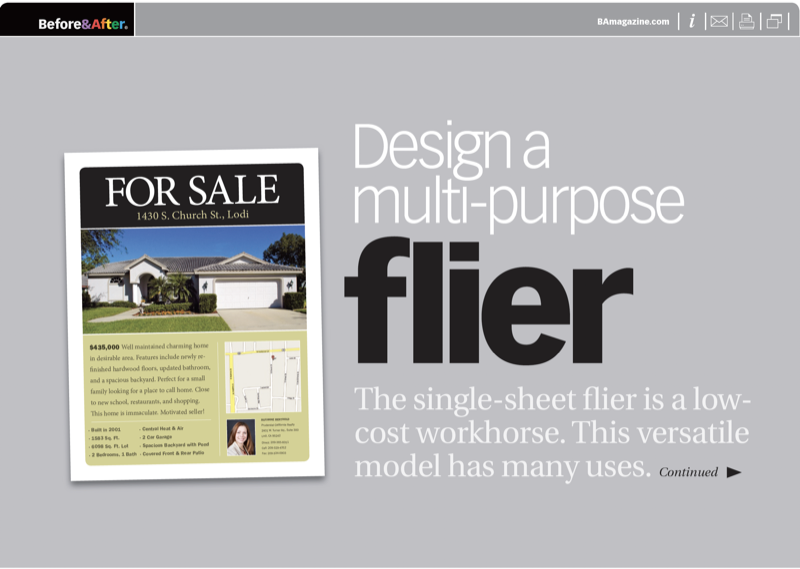
One format easily handles a variety of looks. Remember: head, image, text. Keep each area separate. Write concisely. Use repetitive colors and type styles to tie the design together.
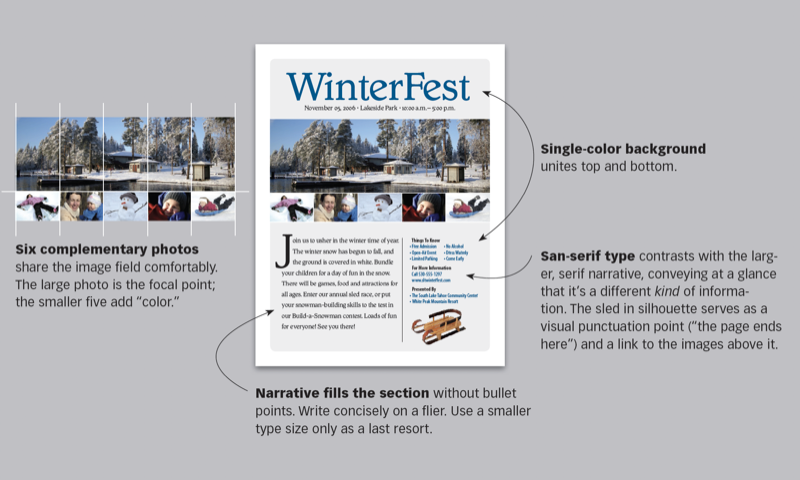
© John McWade/Before&After Magazine, courtesy of Gaye Anne McWade.
Commenting is easier and faster when you're logged in!

Recommended for you

Before&After: Draw Great Visual Instructions
Have something to demonstrate or explain? Don’t say it; show it!
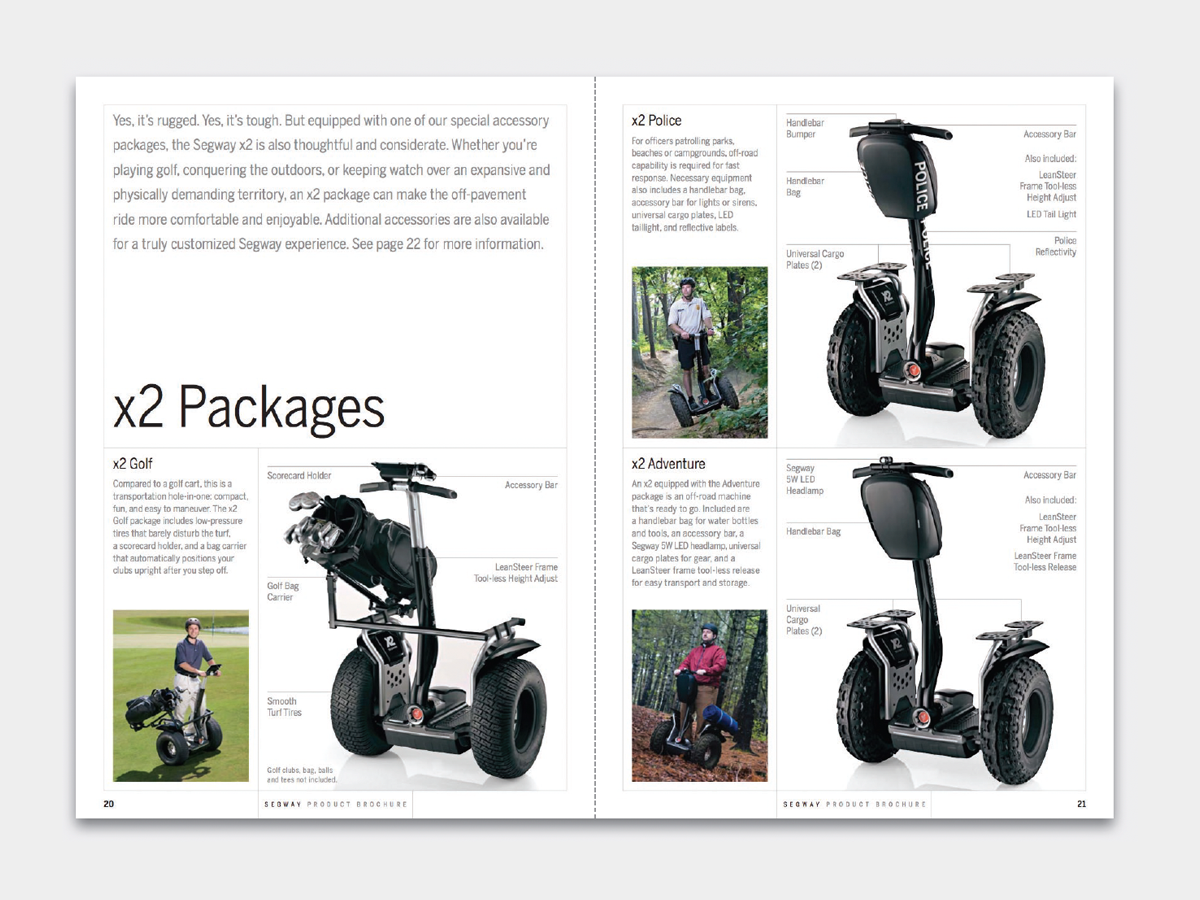
Before&After: Design a Catalog of Rectangles
This catalog motif is simple, handsome, and versatile.
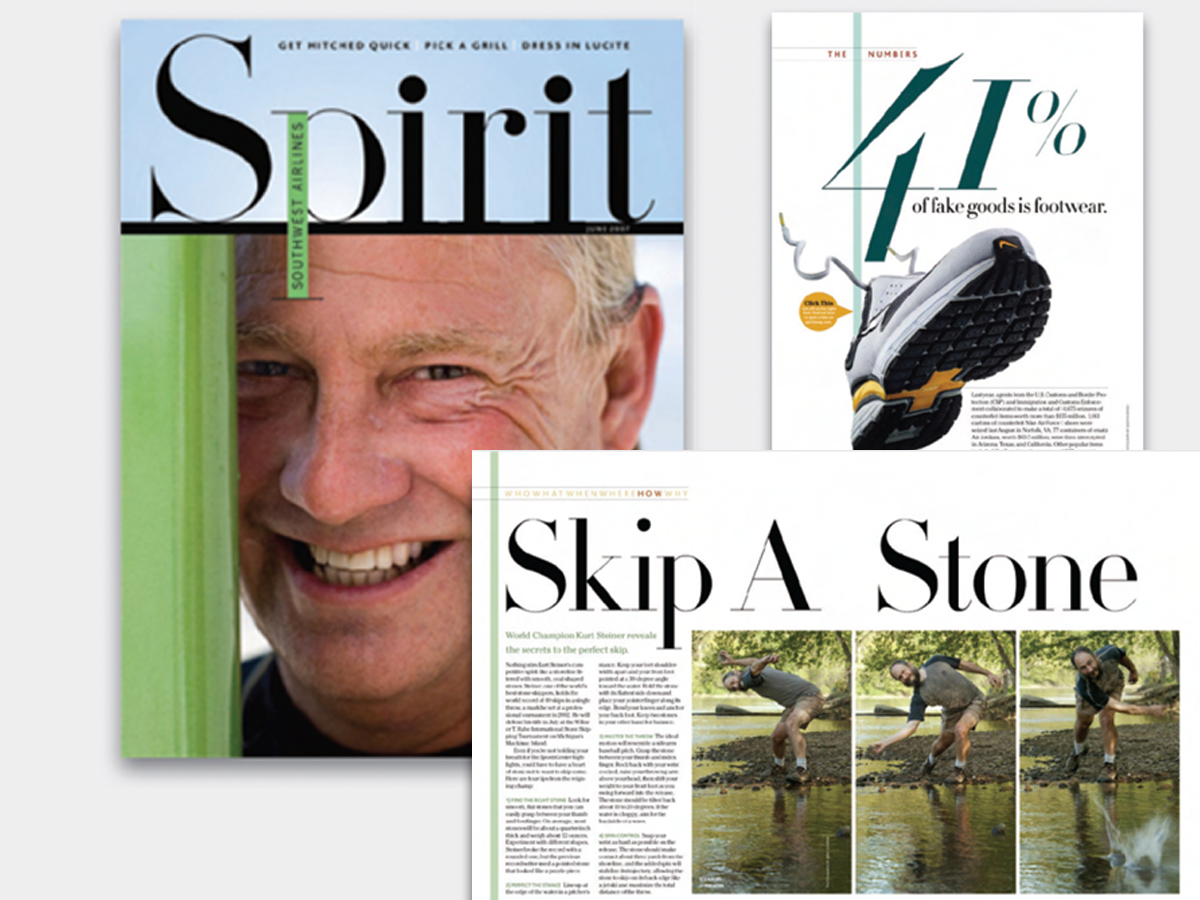
Before&After: Big, Bold, Beautiful
This magazine is a quick read for the busy traveler. Here are the techniques tha...