



Happy Thanksgiving Week to all our readers! I’ve been wandering through our archives recently, and a few posts caught my eye… some great tips that are still very relevant, but which I bet a lot of our readers have missed. Check these out:
- Here is one of the best reasons to use the Mini Bridge panel: You can find images inside other InDesign documents and then place them — without ever having to open those InDesign files!
- Does it bug you that URLs and other code sometimes shows up as hyphenated or spelled incorrectly? You can fix that by using No Language!
- Searching for where a particular color is being used in your document? Here’s a “find color” trick. (Note that Blatner Tools has an actual Find Colors feature, too.)
- You want your Ahead to always be twice as large as your body text? Here’s how to make percentage-based styles.
- I find a lot of InDesign users don’t know about the Power Zoom feature, even though it’s been in InDesign for a few versions now. You gotta’ get comfortable with this one!
- Need to swap out one page of a PDF with another page from the same PDF? You need Relink (or the cool free script mentioned there).
- If you use captions, you really want to get into the habit of creating live captions. But it’s a hassle to set them up all the time, so instead use libraries or snippets.
- Okay, here’s a silly one, but since Winter is coming, you may need to know how to make snowflakes!
Enjoy!
This article was last modified on December 21, 2021
This article was first published on November 24, 2011
Commenting is easier and faster when you're logged in!

Recommended for you

Customize InDesign’s “Edit Original”
Ira writes: Is there some way to have the contextual menu item for "edit origina...
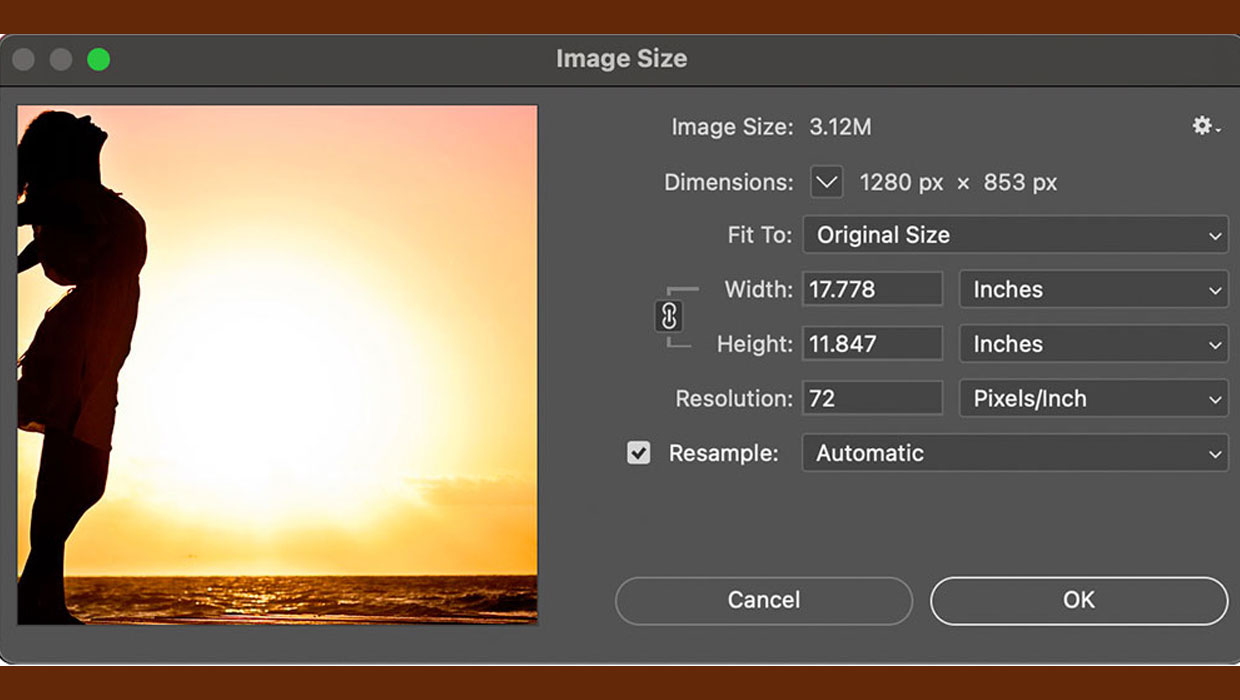
How to Resize Images Without Resampling in Photoshop
A quick tip for changing the resolution of an image without changing the pixels...

Review: Adobe Contribute 4
Macromedia created the first version of Contribute in 2003. At that time, the co...