



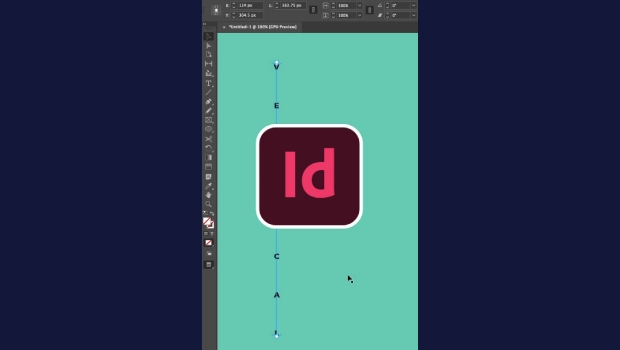
In this short InDesign how-to video, Khara Plicanic shows how tricky it can be to change the spacing of text you’ve placed on a vertical path. Changing the leading isn’t the way to go. Khara shows you the secret handles to easily make your desired adjustments.
Subscribe to the CreativePro YouTube channel for more helpful design tips!
This article was last modified on August 20, 2026
This article was first published on August 20, 2026
Commenting is easier and faster when you're logged in!

Recommended for you

The Peter Kahrel Script Repository Gets a CreativePro Makeover
Peter Kahrel is one of the most prolific and influential InDesign scripters of a...

A Script to Rotate Objects in InDesign with an Object Style
If you were to ask me how to use an object style to rotate objects in InDesign,...

Don’t Ask Your AI to Identify a Font
When it comes to identifying typefaces in images, artificial intelligence isn't...