



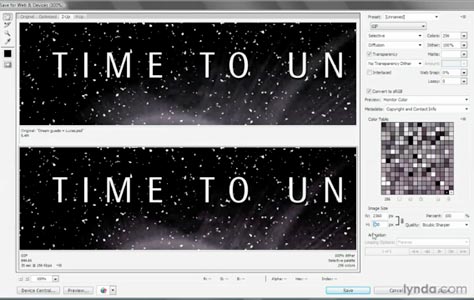
If you take a look at Photoshop’s File menu you’ll see a command, about midway down, called “Save for Web & Devices.” It’s actually two commands. There’s the “& Devices” part, which lets you save an image for display on virtually every cell phone except the iPhone. No offense, but if I had to rank this feature, I doubt it’d make my Top 10,000.
But the first part of the command, “Save for Web,” that part rocks. It lets you downsample and compress an image for dissemination on the Web. Not to mention jettison all extraneous information and convert the colors to sRGB, the color space of the people. Plus you can compare the Web-optimized image to the original and thereby judge what gets lost in the translation. In other words, Save for Web does everything it can to produce slim, trim, and ultimately beautiful Web graphics.
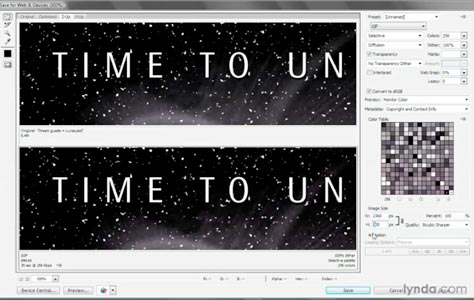
To learn how to use this feature, which is almost like its own program running inside Photoshop, click on the image below to launch the video in another window.
This article was last modified on December 17, 2022
This article was first published on February 8, 2010
Commenting is easier and faster when you're logged in!

Recommended for you

Using InDesign, Illustrator, and Photoshop Together: The Pen Tool
I remember the first time I tried to use the Pen tool in Illustrator back in 198...

PhotoSpin Expands Their Lifestyle Collection With New Images By Yuri Arcurs
PhotoSpin, www.photospin.com, a leading royalty free stock subscription company...

Fly the Creative Skies
Excerpted from “Window Seat, The Art of Digital Photography and Creative T...