



This InDesign tip on creating instant icons with Font Awesome was sent to Tip of the Week email subscribers on January 12, 2017.

Sign up now and every week you’ll get a new tip, keyboard shortcut, and roundups of new articles, plus exclusive deals sent right to your Inbox!
Just scroll down to the bottom of this page, enter your email address, and click Go! We’ll take care of the rest. Now, on with the tip!
If you work with interactive documents, you might need to insert icons for things like social media, or buttons for use with audio and video, help files, downloads, credit cards, contact info, etc. If that’s the case, then you should check out the aptly named Font Awesome.
The OpenType version is free and it contains an abundance of useful icons (675 in the most recent version), which you can keep as live text, or convert to outlines and format like any other vector graphic.
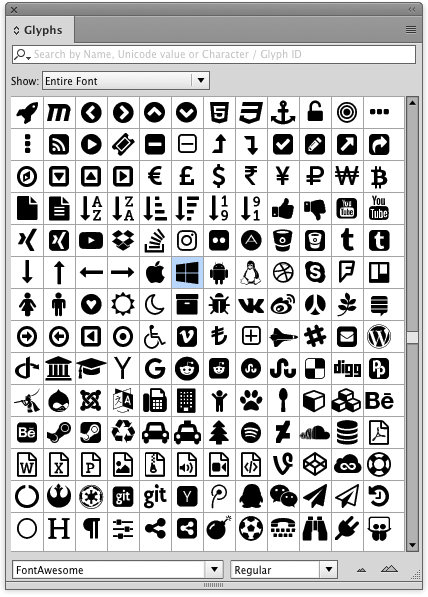
There’s also a cheatsheet, showing all the glyphs and their Unicode values. Ah, if only we had a way to insert characters by their Unicode values.

Whether you want Rebels or Rubles, Likes or Bikes, Font Awesome, is well, aw…fully handy.
This article was last modified on January 8, 2023
This article was first published on January 17, 2017
Commenting is easier and faster when you're logged in!

Recommended for you

Indic and InDesign
A primer on Indic scripts and how to create stunning documents with them in InDe...

Freshen Up Your Fonts
Clear the cobwebs out of your font closet and bring in some fresh new options.
