



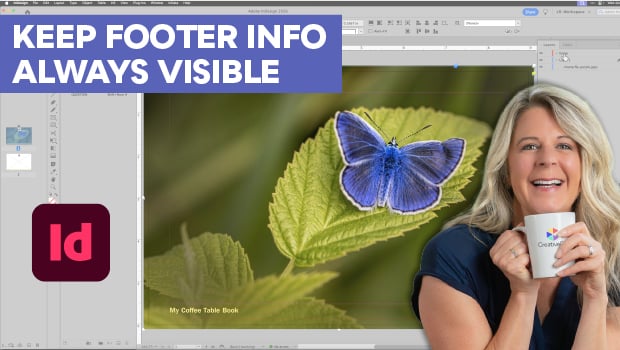
In this InDesign how-to video, Laurie Ruhlin demonstrates how to prevent full-page photographs from blocking headers and footers. Instead of manually bringing text to the front on every page, she creates a dedicated footer layer at the top of the Layers panel on the parent page. This setup keeps your text automatically layered above any placed images while making sure it still updates whenever you change the master template.
Subscribe to the CreativePro YouTube channel for more helpful design tips!
This article was last modified on June 25, 2026
This article was first published on June 26, 2026
Commenting is easier and faster when you're logged in!

Recommended for you

Livestream Video: How to Create Patterns in Illustrator
Join Khara Plicanic to learn some great tips and tricks for working with pattern...

Book Design Basics in InDesign
For book designers, let this article be your guide to getting the most from InDe...
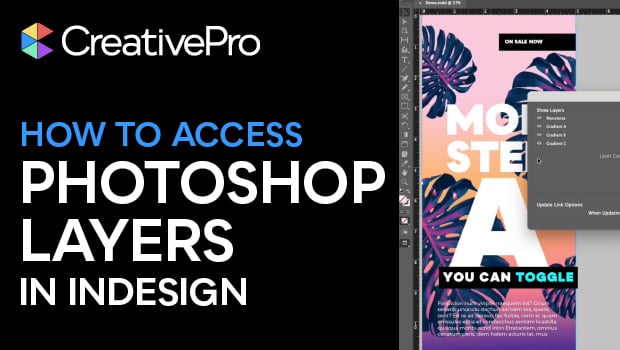
Accessing Photoshop Layers in InDesign
Khara Plicanic shows how to access Photoshop layers from within InDesign.