



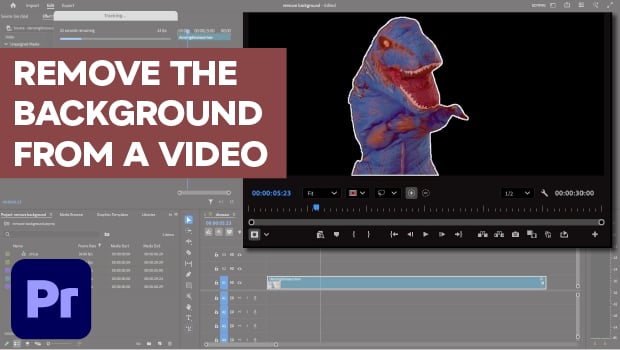
In this Premiere how-to video, Myra Ferguson demonstrates the new Object Masking tool. She explains how to use the tool to remove the background from a video by isolating the subject and tracking their motion across the clip. Finally, Myra shows how to handle a multi-part subject by manually adding or subtracting elements from the mask.
Subscribe to the CreativePro YouTube channel for more helpful design tips!
This article was last modified on May 1, 2026
This article was first published on May 1, 2026
Commenting is easier and faster when you're logged in!

Recommended for you
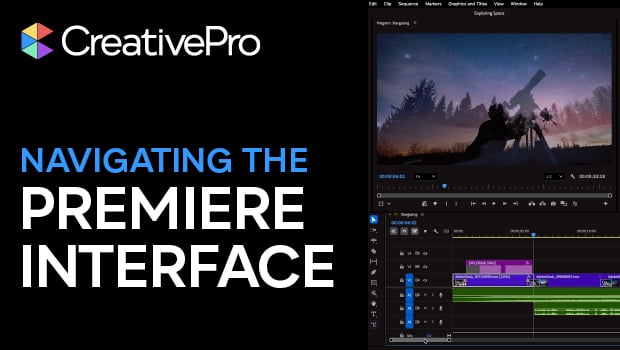
Navigating and Customizing the Premiere Interface
Are you a Premiere beginner? Get started and customize your workspace with Myra...
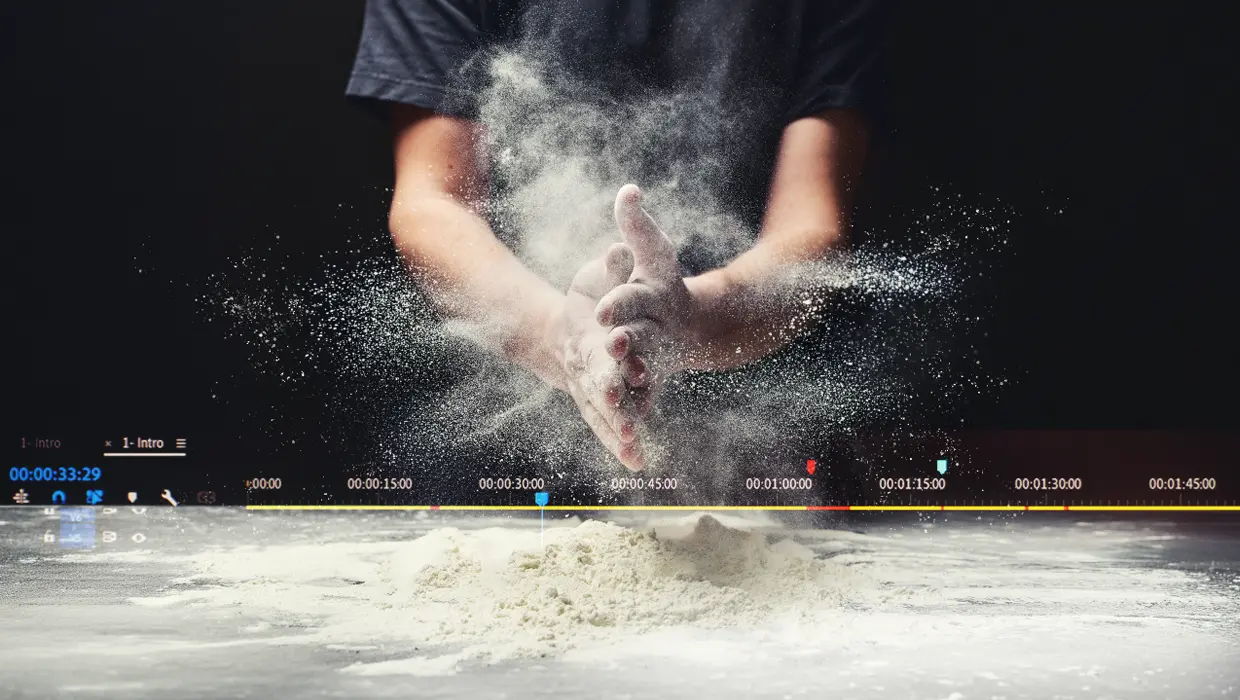
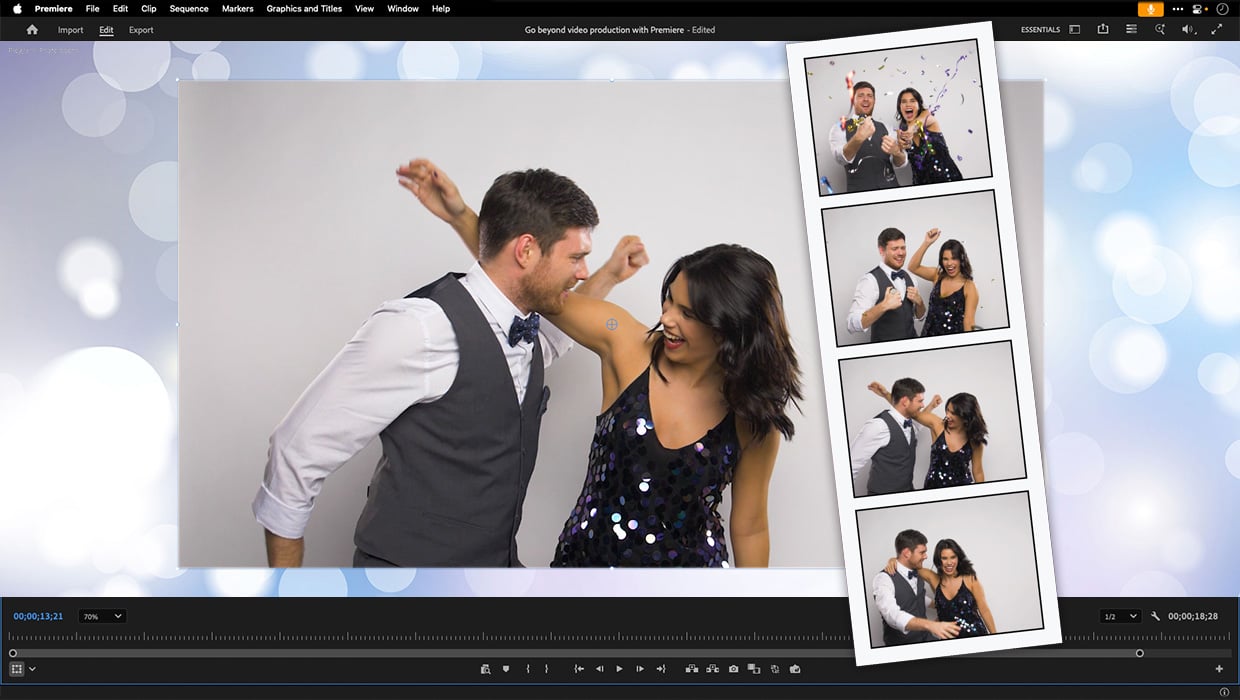
Premiere: It’s Not Just For Video
Designers using InDesign and Photoshop can look at Premiere as a surprising reso...