



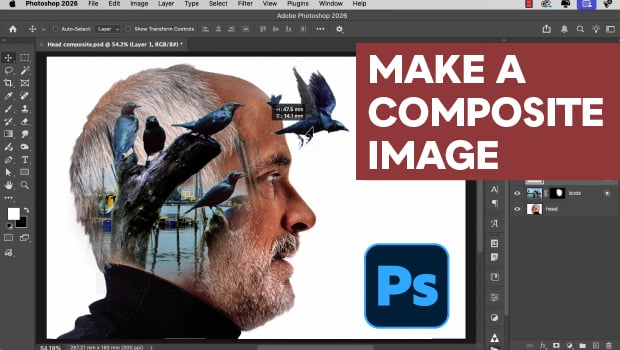
In this Photoshop how-to video, Steve Caplin creates the illusion of thoughts by masking images of birds into a subject’s head. He uses the “Blend If” sliders to remove the image’s background and the Burn tool to recover details in the highlights. Finally, Steve shows how to create a more dynamic effect by duplicating and transforming some additional birds so they appear to be flying out of the head.
Subscribe to the CreativePro YouTube channel for more helpful design tips!
This article was last modified on April 28, 2026
This article was first published on April 28, 2026
Commenting is easier and faster when you're logged in!

Recommended for you

How to Use Photoshop’s New Harmonize Tool
Match your object with the background scene's lighting and shadows using Photosh...

Interview with Joy Pollard, Designer and Adobe Certified Professional
Learn how roller derby, astronomy, and theater influenced one designer’s journey...
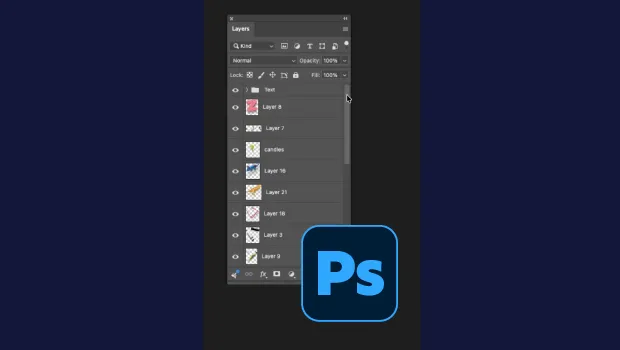
Smarter Thumbnails in Photoshop
Make Photoshop layer thumbnails clearer with one quick setting change.