


Accessibility-Compliant Table of Contents
Oops, you’re not logged in!
Log in or sign up for a free account.


This script is part of the Book and Long Document Composition/Production collection. See the full collection here.
InDesign creates hyperlinks for the table-of-contents (TOC) entries when a TOC is generated. These hyperlinks are hidden, they don’t appear in the Hyperlinks panel. They become active when the document is exported to PDF. Click a TOC entry in the PDF and the viewer jumps to the linked page.
Those TOC hyperlinks use page destinations. This is a problem for screen readers, because the page destinations cause readers to start reading from the top of the page no matter where on the page the referenced heading is.
To deal with this problem, the script changes the page destinations of TOC hyperlinks to text destinations. In the exported PDF the screen reader then starts reading from the referenced header.
If the document contains TOC bookmarks, they too are converted to target text destinations rather than page destinations.
Use
The script has no interface.
In a single-document publication, open the document. In a book project, open the book, then open the table of contents from the book panel. Then run the script from InDesign’s Scripts panel.
In a book project the script saves and closes all the documents.
Troubleshooting
In order to find a TOC item’s source in the text, the script matches the TOC entry with the headings on the relevant page. That means that the heading’s content must be exactly the same as the TOC entry’s content. But that’s not always the case: when it generates the TOC, InDesign strips various items from the heading, such as index and footnote markers, text anchors, and probably some others; InDesign converts text variables to text; and, finally, there’s an option to remove forced line breaks (aka soft returns) from TOC entries.
The script considers these differences, but there may be items that aren’t accounted for. If that happens the script shows a warning. Please write to me (contact link below) and send me your file and I’ll update the script.
Because the script looks for strict matches, if you make changes in the TOC you can’t use the script. The only way out is to regenerate the TOC, run the script, then make the changes in the TOC.
Version history
8 Dec. 2025: Bug fix
4 Nov. 2025: The script didn’t always handle automatic paragraph numbers correctly. Fixed.
7 Dec. 2024: Posted.
Peter Kahrel Script Repository
Hosted as a community service, and with deep appreciation, by CreativePro.com
Scripts by Topic | Script Index
Basic Script Installation and Use
How to Modify or Configure These Scripts
Resources for Scripting and Publishing Automation
About This Repository
Contact Peter Kahrel
Note to users: You run scripts at your own risk: CreativePro and the author accept no liability for anything that may be caused by any of these scripts. Always take the necessary precautions. We encourage you to save backups and test scripts on copies of your documents.
This article was last modified on September 5, 2026
This article was first published on February 20, 2026
Commenting is easier and faster when you're logged in!

Recommended for you
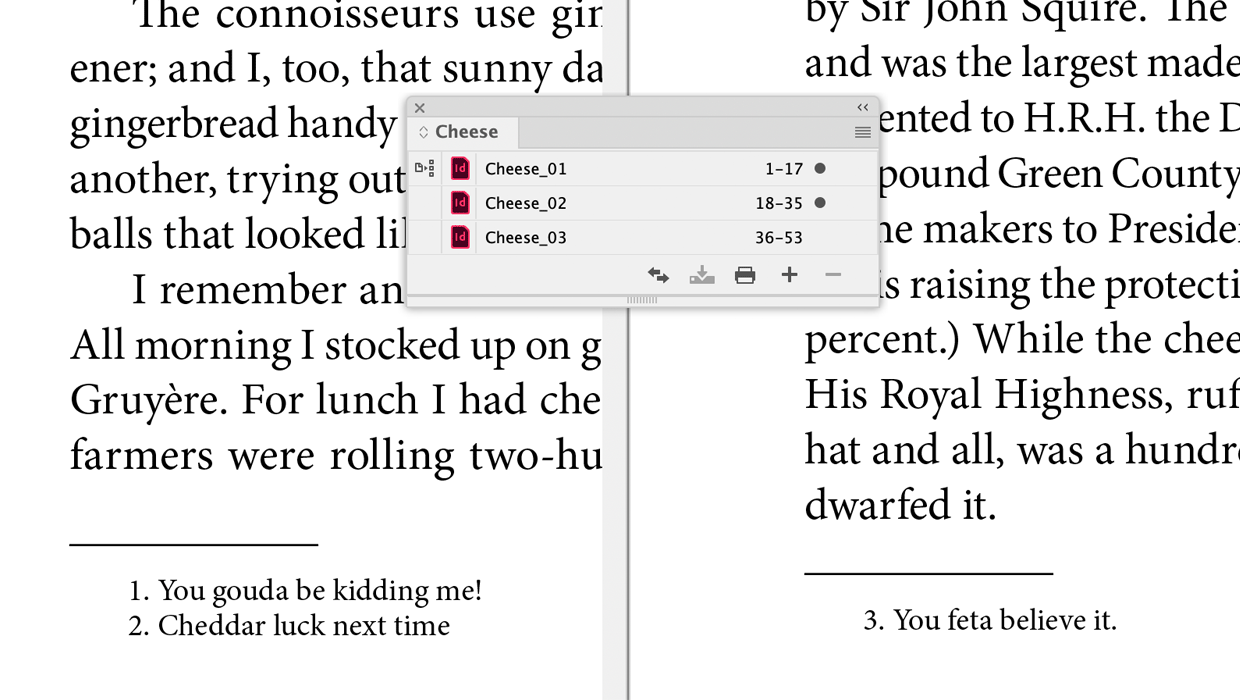
A Script to Continue Footnote Numbering Across Book Documents in InDesign
Free script to makes it easy to manage footnote numbering in complex book docume...
Apply Hyphenation Corrections
This one runs in conjunction with the previous one to apply to the document or t...
Two-Way Hyperlinks/Footnotes
To improve a document's accessibility, the script creates two-way hyperlinks bet...