



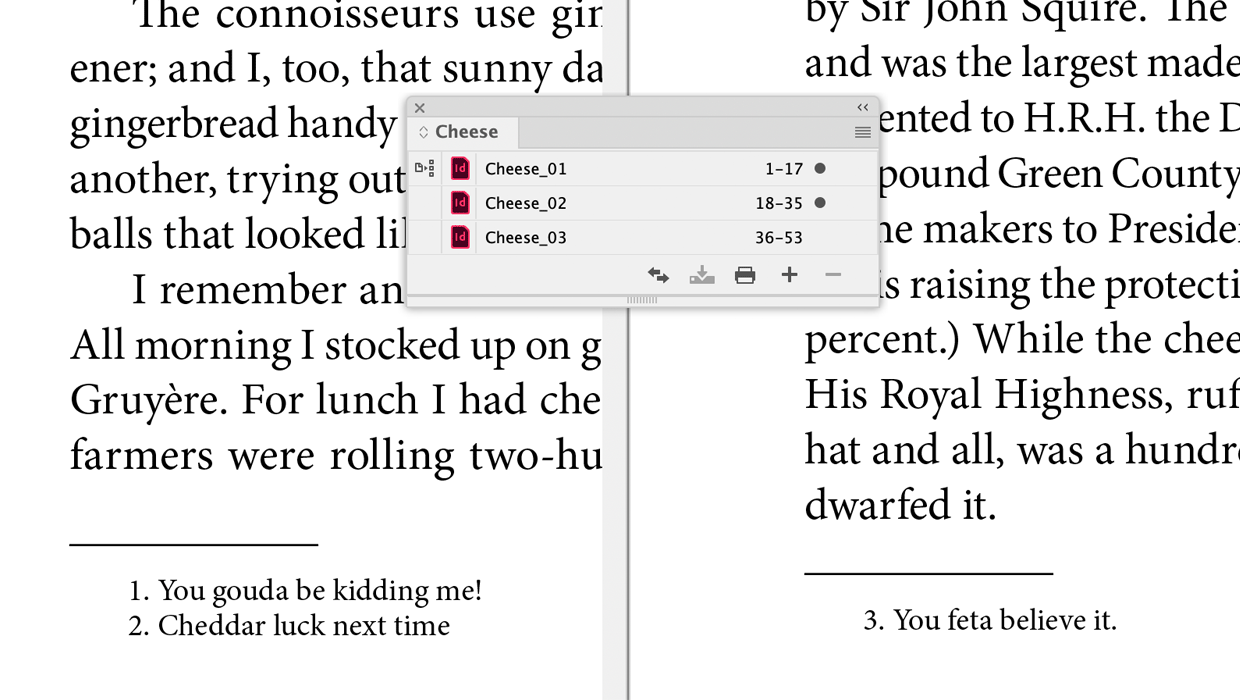
InDesign’s footnotes feature does not offer a way to continue the numbering of footnotes from one document to another. And if you regularly make long documents using the Book feature, this can be an annoying productivity killer.
For each document you have to manually open the Footnote Options and enter the start number (and update it any time footnotes were added or removed from previous documents in the book). Otherwise, the footnote numbering is going to start at 1 in each document.
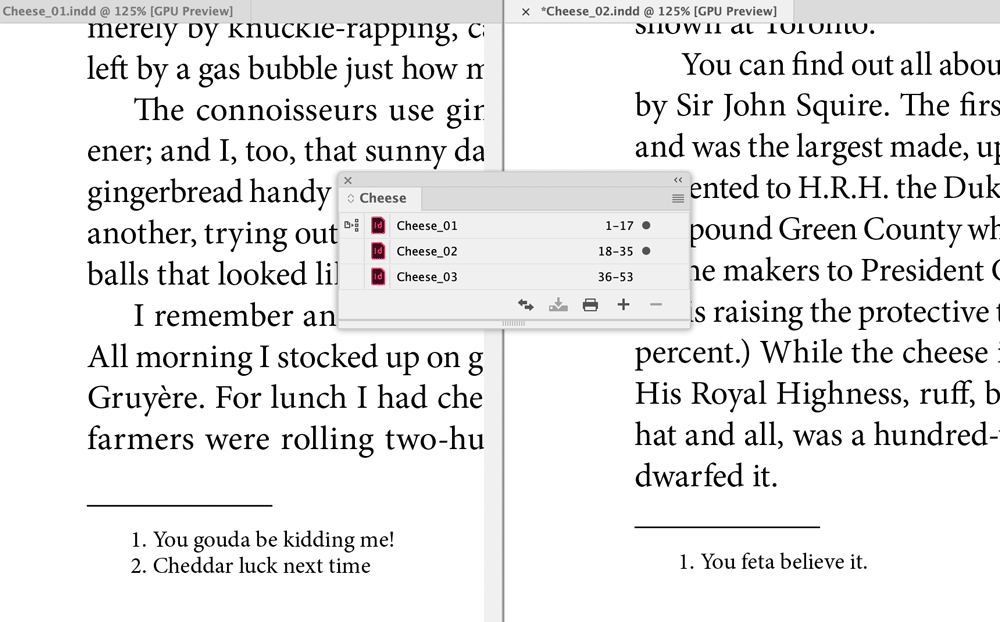
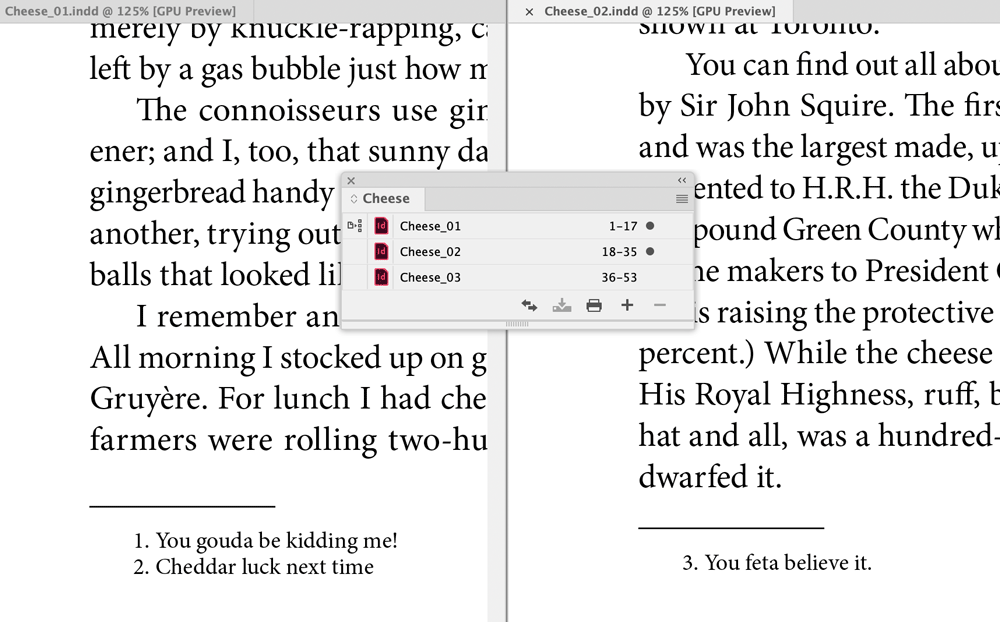
But now there’s a script from Peter Kahrel to handle that task automatically. Just run the script with the book file open and footnote numbering will be updated in all documents. Even better: the documents don’t have to be open.
You can download the script and read more about it here.
Thanks, Peter!
This article was last modified on January 3, 2026
This article was first published on January 3, 2026
Commenting is easier and faster when you're logged in!

Recommended for you

Auto Numbers and Bullets Pick up Local Formatting
Be careful when you apply local text formatting to the first word or two of a pa...

A Workaround For Numbering Table Columns
A clever workaround for creating the effect of top-to-bottom numbering inside of...
How to Use GREP and Scripts to Create Footnotes in InDesign
Learn how to take an InDesign document with no formatting and create a finished...