



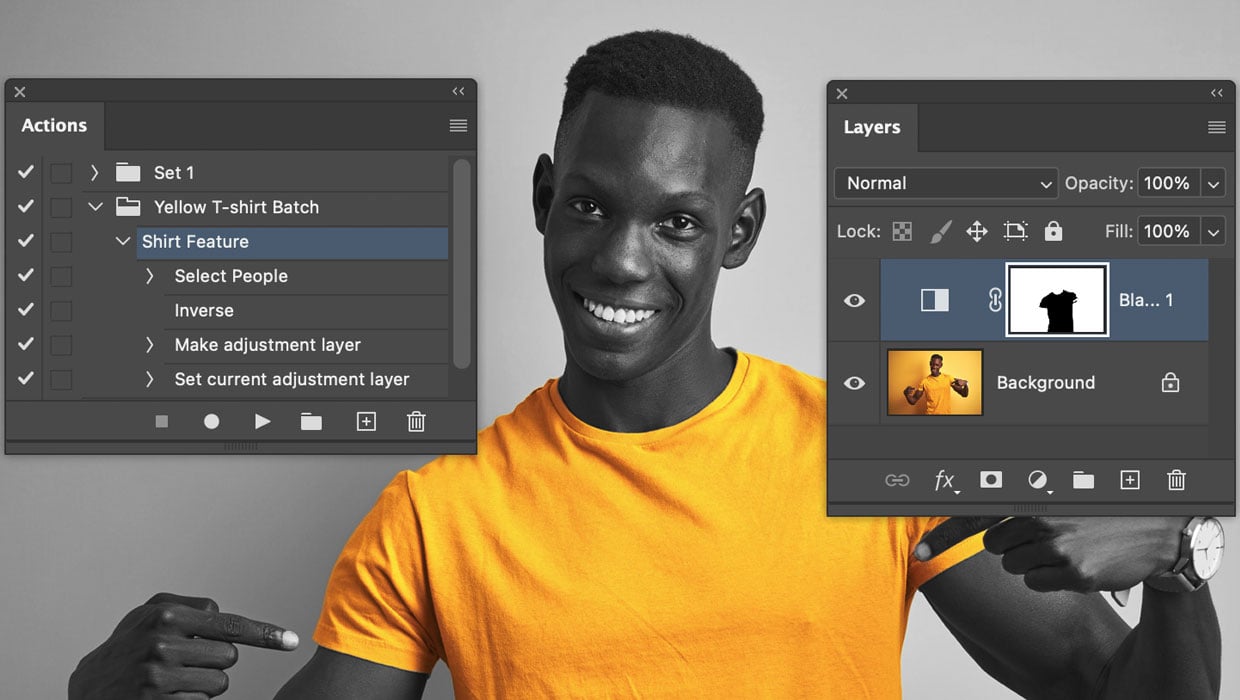
Here’s how to automate edits in Photoshop by combining the Object Selection tool with Actions.
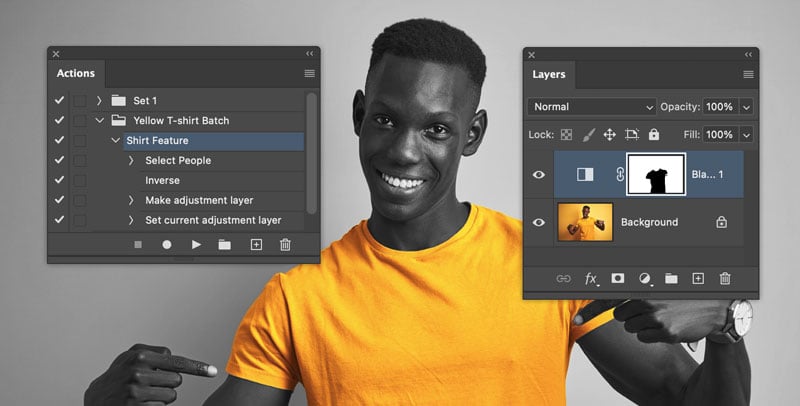
Open the Actions panel (Window > Actions).
Click Create New Action and start recording.
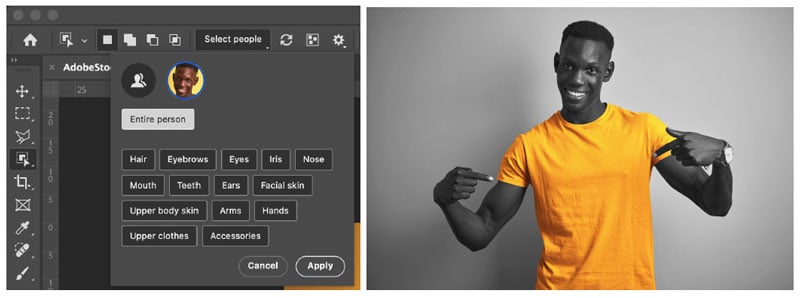
In the Options bar at the top, click the Select People button.
Photoshop will analyze the person and provide a list of detected parts (hair, eyes, skin, clothes, etc.).
Click on a part from the list, like “Upper clothes”, to instantly create a precise selection just that item, even if it’s on a similarly colored background.
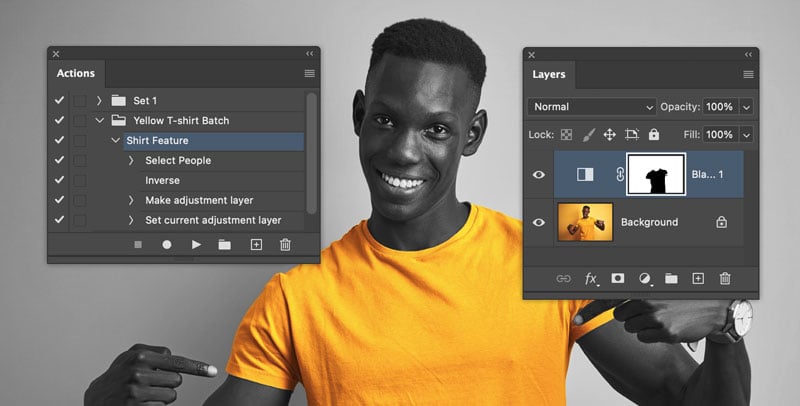
Record your edit. For example, Select > Inverse, then add a Black & White adjustment
layer. This will make everything except the shirt black and white.
Stop the action recording.
Open any new photo, select your saved action, and press Play. The entire AI-powered
selection and edit will run automatically in seconds. This even works on complex images,
like a person behind reflective glass.
This article was last modified on February 27, 2026
This article was first published on February 2, 2026
Commenting is easier and faster when you're logged in!

Recommended for you
MATE: Your AI Helper in InDesign and Illustrator
Rediscover the joy of design with this AI extension.
Interview with Melissa Piccone, Multi-Disciplinary Trainer and Certified Expert
Q&A with Melissa Piccone, who is presenting at the 2026 Design + AI Summit for C...
How to Reduce Ink Density in Illustrator Files
Learn how to detect and solve potential problems with ink limits in vector art.