



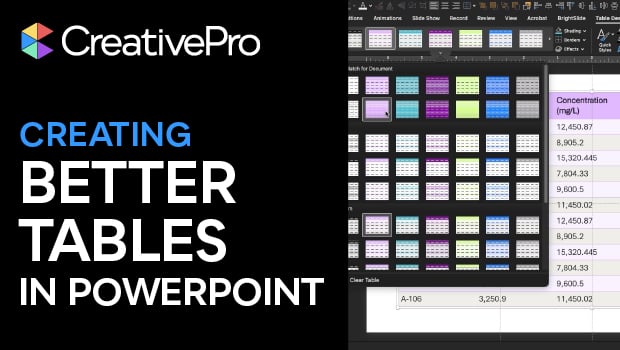
In this PowerPoint how-to video, Stephy Hogan shares her method for making better-looking tables. She starts with one of PowerPoint’s automatically-generated table styles, then demonstrates different banding options and alignment tricks. Finally, she covers something you can’t do in PowerPoint: preformatting your table placeholder.
Subscribe to the CreativePro YouTube channel for more helpful design tips!
This article was last modified on January 23, 2026
This article was first published on January 23, 2026
Commenting is easier and faster when you're logged in!

Recommended for you

How to Use PowerPoint Chart Templates to Speed Up Formatting Your Data
PowerPoint’s Format Painter can save you endless hours with shapes and text boxe...

Excel Charts in PowerPoint: Embedding vs. Linking
See how to avoid a common problems that can occur when you combine Excel chart d...

Accessibility Tips for Presentation Designers
Use these quick, no-stress fixes to make your slides more accessible.