



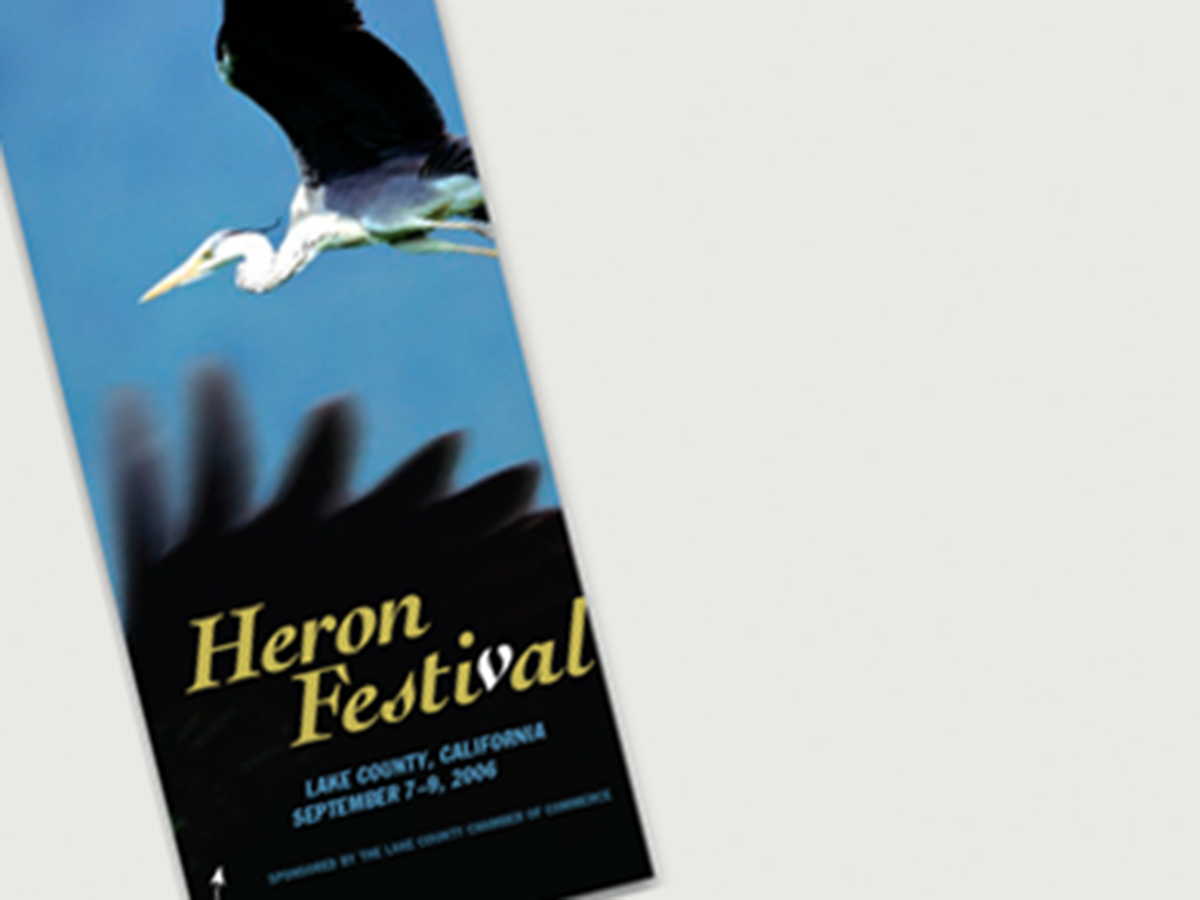
Here’s a quick design tip on how to create space for text over a photo from issue 41 of Before&After Magazine.
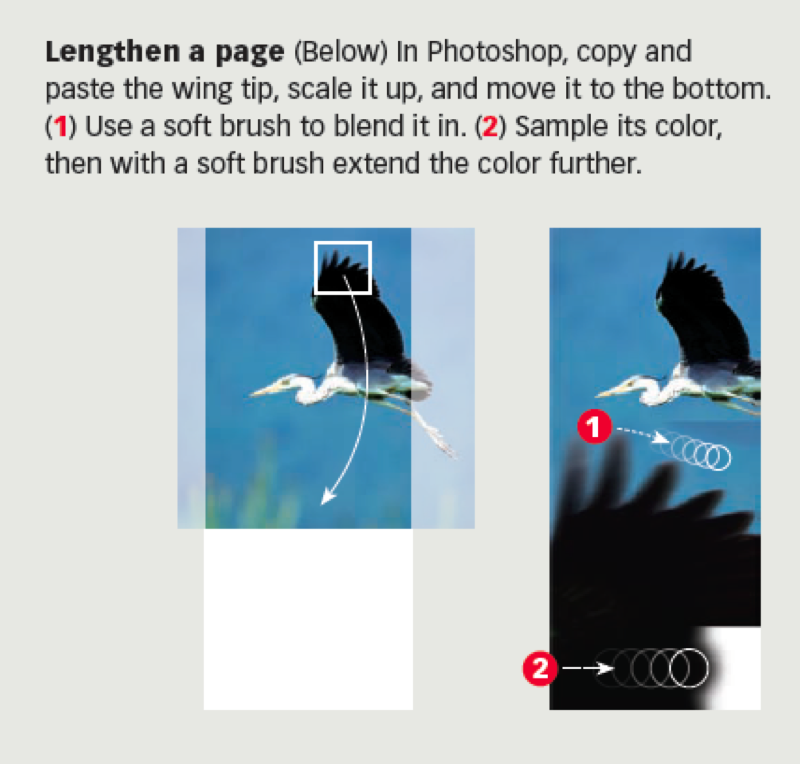
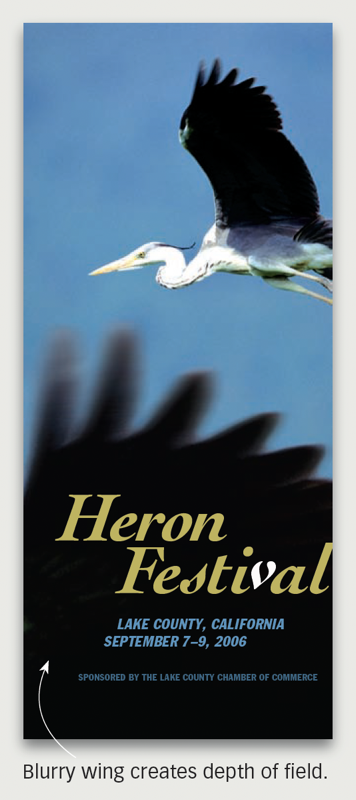
Do you sometimes get a photo that doesn’t have a natural place for text? Or it’s flat and needs some depth? Or it doesn’t fill the space? Try this. Copy a part, scale it up, and carefully blend it in, creating a natural stage.
CreativePro members can download original content from Before&After Magazine, a beloved resource that taught a generation of newly minted digital designers how to design and communicate effectively with the written word. See our archive here.
© John McWade/Before&After Magazine, courtesy of Gaye Anne McWade.
This article was last modified on January 3, 2026
This article was first published on March 7, 2025
Commenting is easier and faster when you're logged in!

Recommended for you

Before&After: Presentation Lessons from Apple
Timeless lessons from Apple on crafting a perfect presentation

Before&After: How to Align Images by Eye
How do you line up irrregularly shaped objects and size and space them just so?
Before&After: Design Like a Lazy Person
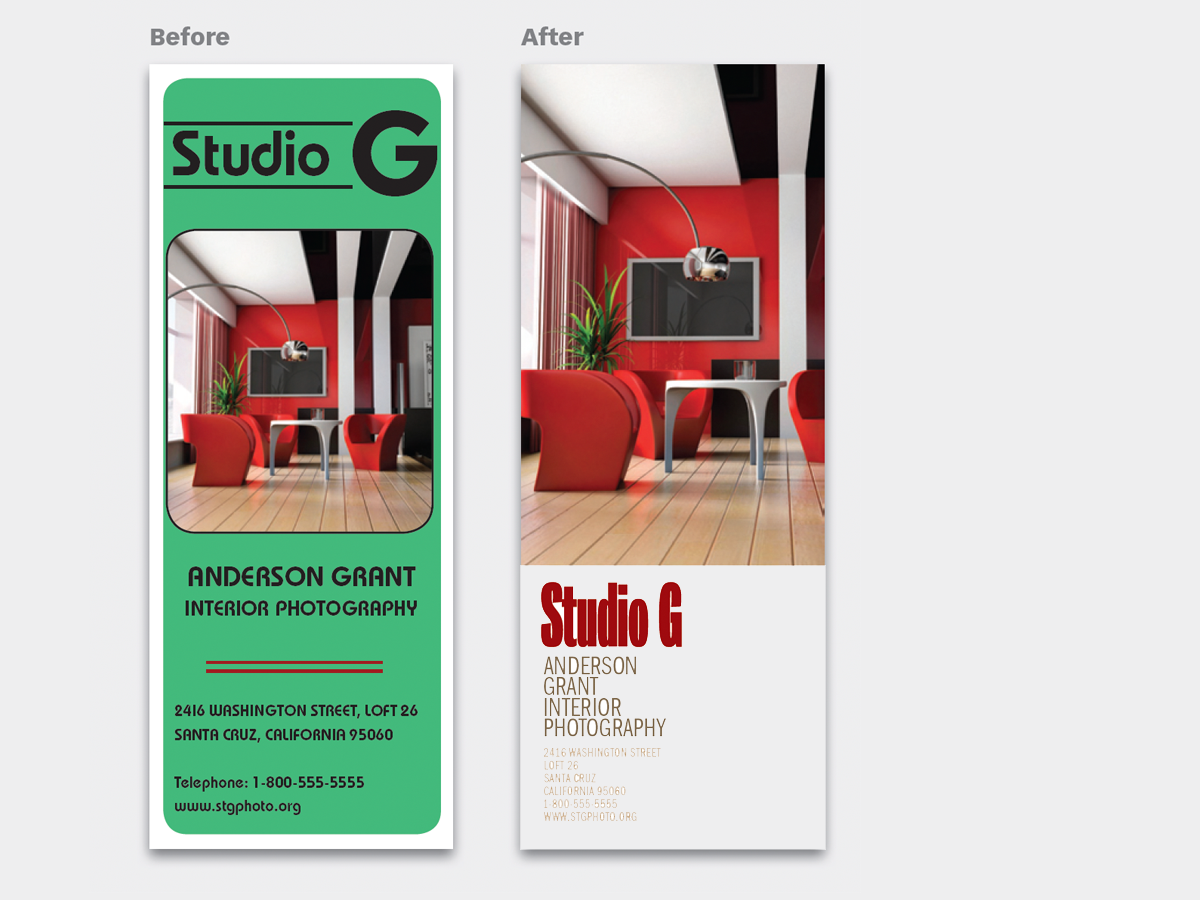
Design is easier if you segregate your page into two zones—image here, type ther...