


Work Week Projects: 5 Essential Illustrator Skills
Five quick exercises to do while you're at work to learn important skills in Illustrator

This article appears in Issue 49 of CreativePro Magazine.
Each of these activities are mainly focused on new features in Illustrator 2026. They should take no more than 5–10 minutes and can potentially save you much more time than that in the long run!
Monday
- Get acquainted with new options for naming, locking, and coloring artboards.
Resource: Managing Artboards in Illustrator
Tuesday
- Explore new ways of making better-looking gradients.
Resource: Using the Gradient Panel in Illustrator
Wednesday
- Practice using the improved Color Picker.
Resource: Using the Color Picker in Illustrator
Thursday
- Check out the improved font menu, with better options for finding and organizing your fonts.
Resource: Finding, Filtering, and Organizing Fonts in Illustrator
Friday
- Become a mockup maestro, blending vector artwork seamlessly into photos.
Resource: Creating Quick Mockups in Illustrator
Commenting is easier and faster when you're logged in!

Recommended for you
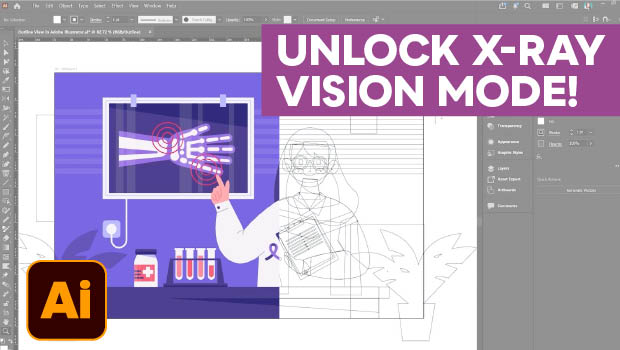
Troubleshoot Illustrator Files with Outline View
Use Illustrator's "X-ray vision" to troubleshoot your vector artwork with Kat Kr...
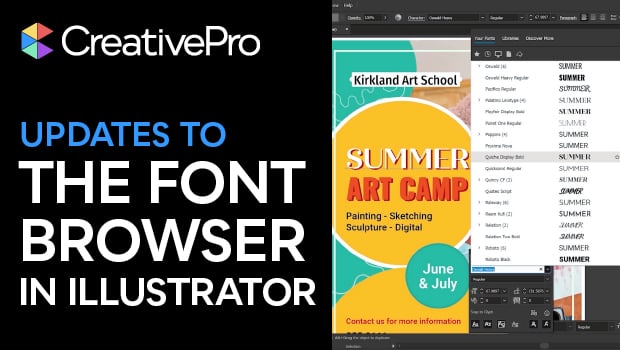
New Font Browser Features in Illustrator
Explore the new features added to the Font Browser in Illustrator 2026.
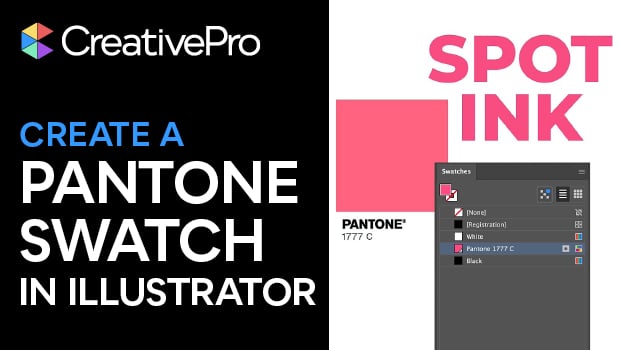
Create a Pantone Swatch in Illustrator
Make your own Pantone Swatch colors in Illustrator with Theresa Jackson.