



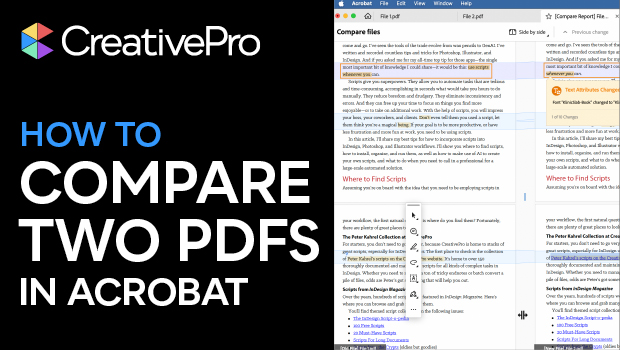
In this Acrobat how-to video, Mike Rankin shares a quick tip for comparing two PDFs. He uses the Compare PDFs tool to view them side by side and create a report listing all the changes. He also shows how to highlight specific kinds of changes.
Subscribe to the CreativePro YouTube channel for more helpful design tips!
This article was last modified on November 6, 2025
This article was first published on October 21, 2025
Commenting is easier and faster when you're logged in!

Recommended for you
Creating PDF Forms in InDesign
Save time and gain control by building and exporting PDF forms directly from InD...

Drop 20 Pounds with InDesign
David Blatner and Mike Rankin show you how easy a crash diet can be—for your InD...

New Contest! Mystery of the Hobbled Hyperlinks
Solve this InDesign mystery for a chance at winning a great prize.