


Illustrator Downloadable: Art Deco Borders and Brushes
Custom patterns and brushes to add a sleek and swanky style to your designs

This downloadable Illustrator file contains six custom pattern brushes and seven pattern swatches for creating swanky Art Deco designs.
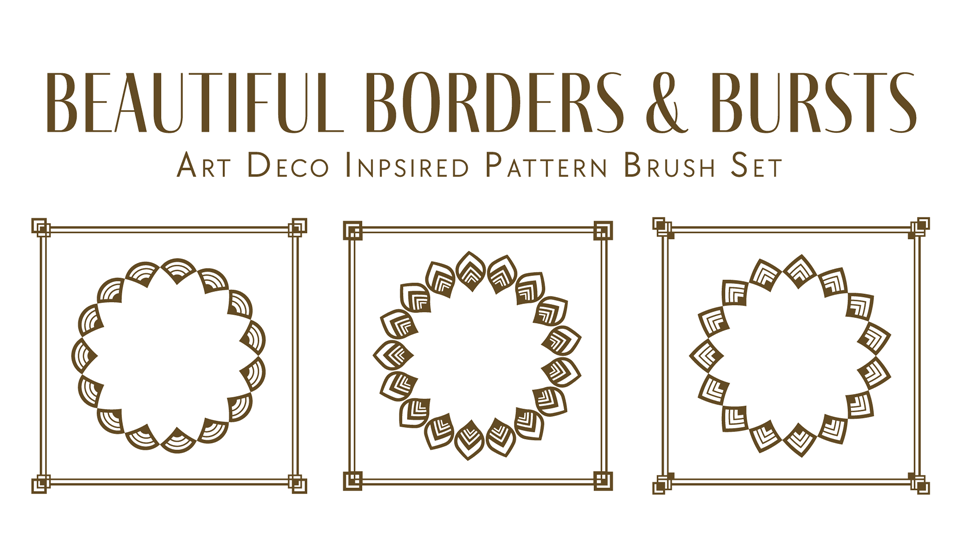
Want to use the patterns in Photoshop or InDesign? No problem! Open the file in Illustrator and add them to a Creative Cloud Library. Then, you can place them into Photoshop or InDesign files and scale them to any size with no loss of quality.
Learn How to Do it
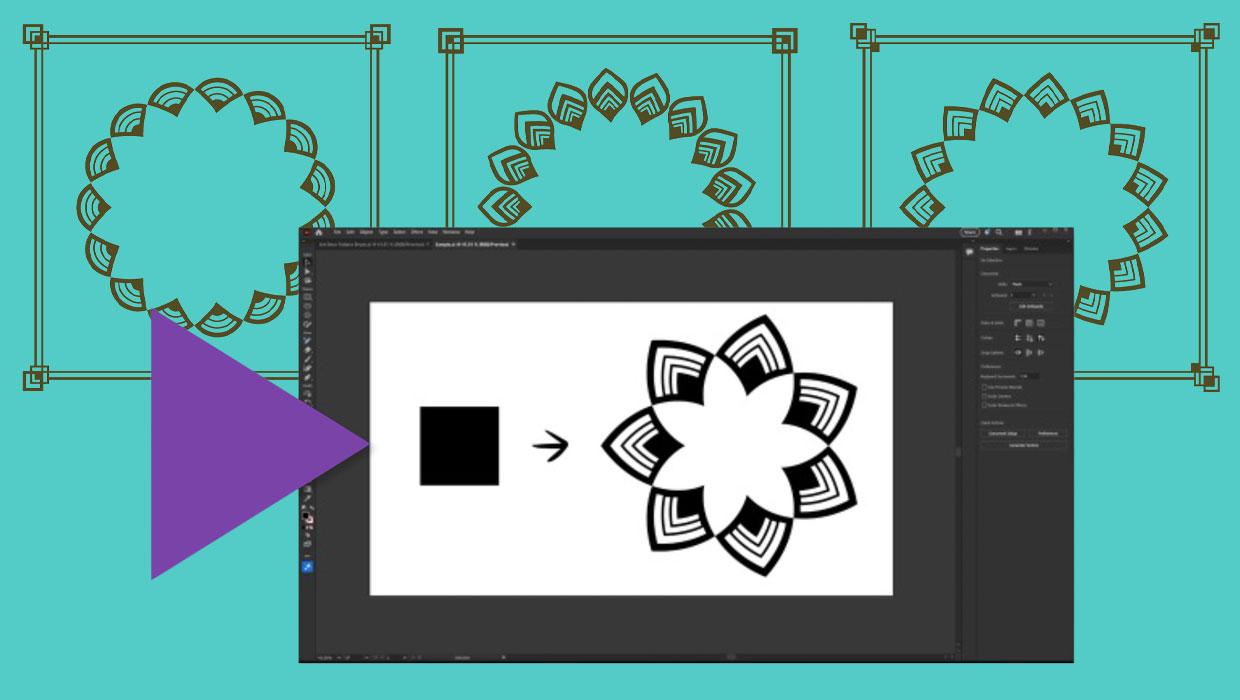
CreativePro members can also watch this video to learn the technique for making pattern bushes like these in Illustrator.
Commenting is easier and faster when you're logged in!

Recommended for you

CreativePro Video: Recolor Artwork with Pantone Swatches
In this week’s CreativePro video, Theresa Jackson shows you how to easily find a...
Illustrator’s New and Updated Artboard Features
Discover the new features and updates to Illustrator's artboards with Kat Kremse...

Make a Knockout Black that Does Not Overprint
Sometimes you want to use a black that knocks out color beneath it instead of ov...