




In this quick Illustrator video, Khara Plicanic demonstrates three different methods to create a heart shape in Illustrator. She uses strokes with rounded ends, employs the Shape Builder tool, and brings in the Anchor Point tool to make it all happen.
Subscribe to the CreativePro YouTube channel for more helpful design tips!
This article was last modified on August 29, 2025
This article was first published on June 11, 2025
Commenting is easier and faster when you're logged in!

Recommended for you
Illustrator’s New and Updated Artboard Features
Discover the new features and updates to Illustrator's artboards with Kat Kremse...
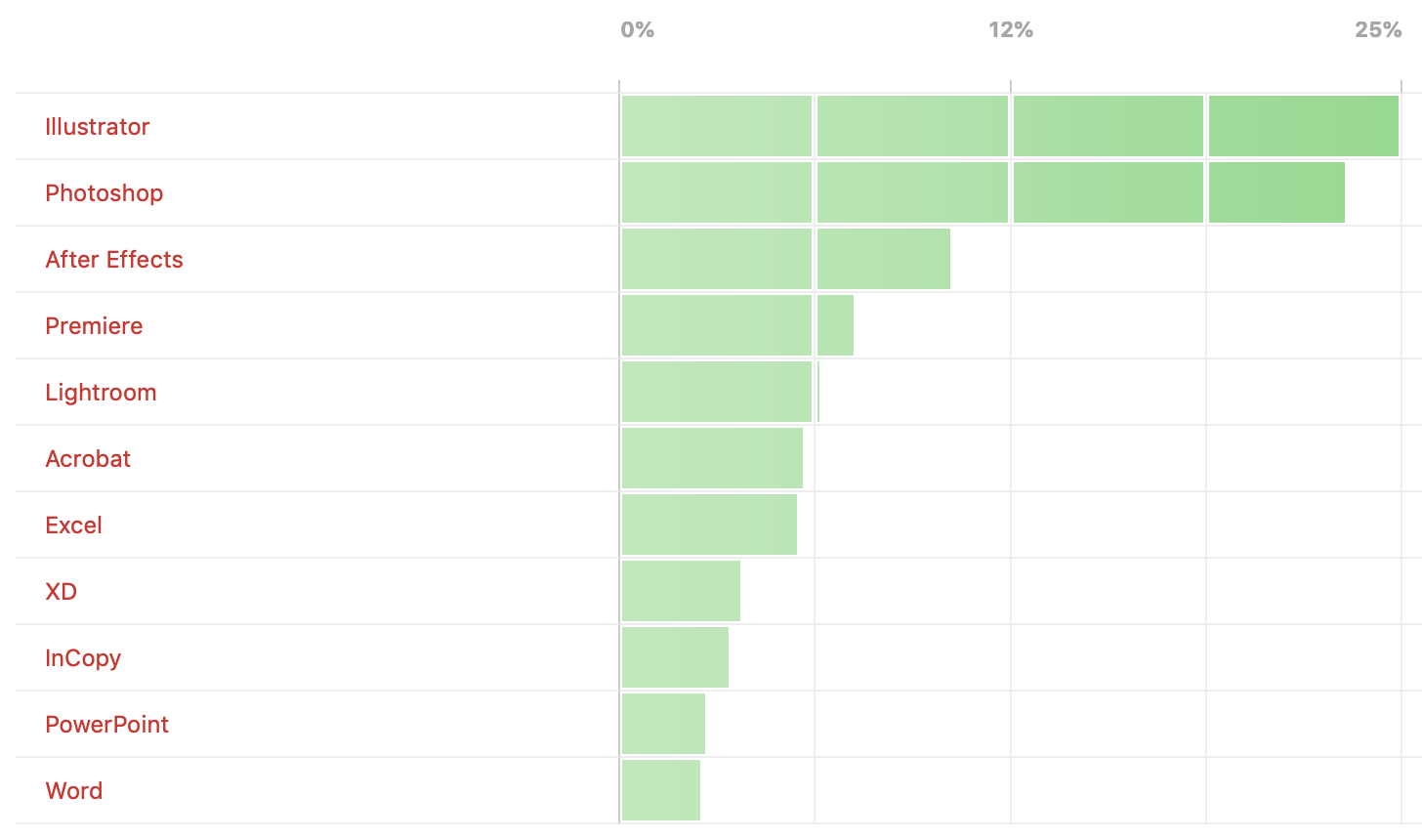
Poll Results: Which programs do you wish you knew better?
The results of our poll asking if you still use Flash (SWF) and a new poll on wh...

How to Avoid Using Illustrator’s Pen Tool
I put off learning Illustrator way back when, simply because I thought I had to...