



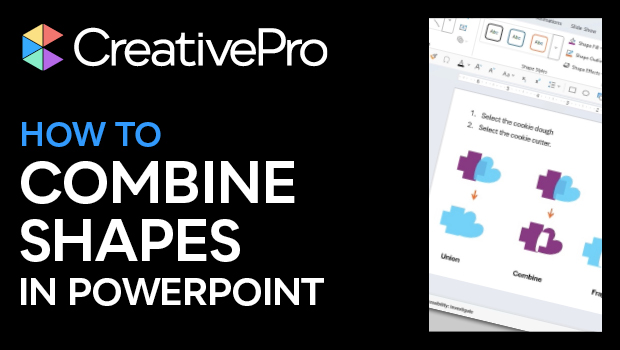
In this PowerPoint how-to video, Stephy Hogan shows how to combine shapes in several ways, using the merge shapes options. She explains that the order you select shapes in dictates the results and demos each of the combinations available.
Subscribe to the CreativePro YouTube channel for more helpful design tips!
This article was last modified on October 30, 2025
This article was first published on May 30, 2025
Commenting is easier and faster when you're logged in!

Recommended for you

Export a PDF to a PowerPoint File from Acrobat
Editing your PDF file will be a breeze if you export it to PowerPoint, with Chad...

How to Draw Concentric Shapes
Ever want to draw a series of concentric shapes? It may not be obvious how to do...

Beyond the Bullet: PowerPoint Tips
Employ these six essential tips to design engaging presentations with any softwa...