



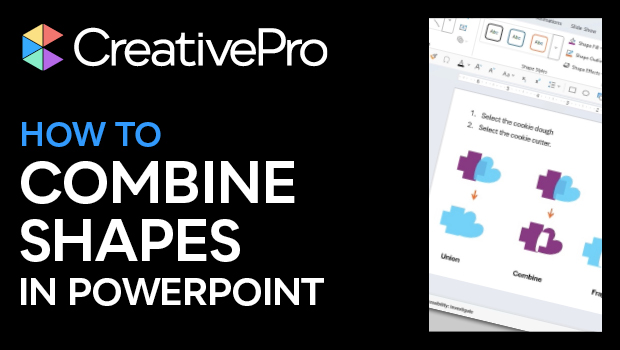
In this PowerPoint how-to video, Stephy Hogan shows how to combine shapes in several ways, using the merge shapes options. She explains that the order you select shapes in dictates the results and demos each of the combinations available.
Subscribe to the CreativePro YouTube channel for more helpful design tips!
This article was last modified on October 30, 2025
This article was first published on May 30, 2025
Commenting is easier and faster when you're logged in!

Recommended for you
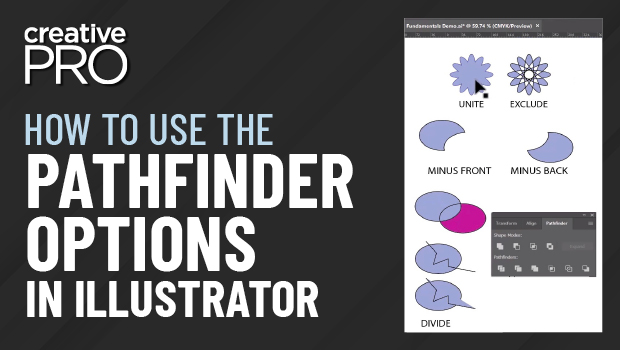
How to Use the Pathfinder Options in Illustrator
Learn what each of Illustrator's Pathfinder feature does and get some tips for b...
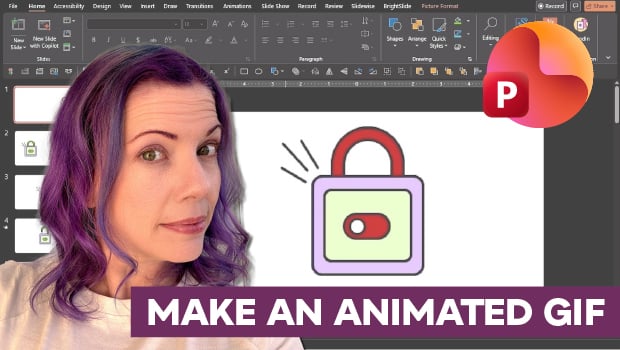
How to Make an Animated GIF in PowerPoint
Create a looping animation in PowerPoint using the Morph transition.

CreativePro Video: Animate Image Sequences for Presentations
In this week’s CreativePro video, Jole Simmons animates an image sequence using...