




In this quick Photoshop video, Khara Plicanic shows how to easily organize and find your Photoshop layers using the built-in filtering. She demos how to sort by type, effect, visibility, and more.
Subscribe to the CreativePro YouTube channel for more helpful design tips!
This article was last modified on August 29, 2025
This article was first published on May 28, 2025
Commenting is easier and faster when you're logged in!

Recommended for you

How to Use Layers to Speed Up Your Workflow in InDesign
Learn how to use the Layers panel in InDesign to speed up your workflow, from ma...
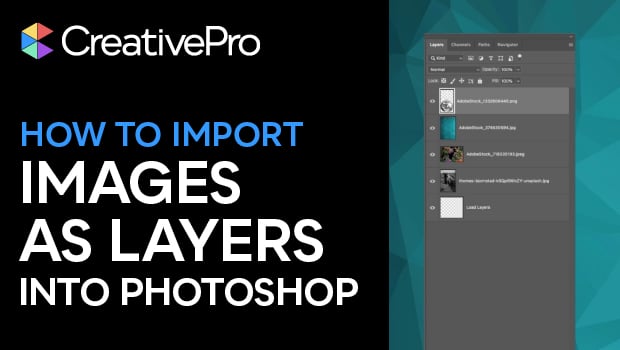
How to Import Images as Photoshop Layers
Load multiple image files as separate layers into a single Photoshop file!
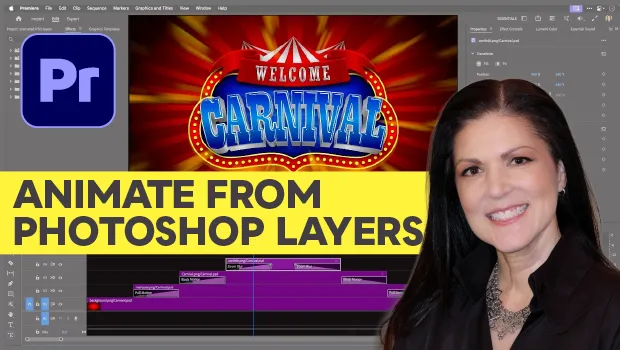
Animating a Photoshop Document with Premiere
Put your Photoshop files in motion with Adobe Premiere!