




In this “Three Minutes Max” video, Nigel French shares an insider tip or two on using the Layers panel. From making easy client proofs to having the same set of layers across documents, he shows how using layers can benefit your workflow.
Three Minutes Max comes from a fun—yet very competitive—session at our annual CreativePro Week conference. Speakers have three minutes to wow the audience with the tip and win a prize for a lucky conference attendee.
This article was last modified on August 29, 2025
This article was first published on May 28, 2023
Commenting is easier and faster when you're logged in!

Recommended for you
Livestream Video: Hidden Font Features You Didn’t Know Existed
Join Khara Plicanic to learn some great tips and tricks for working with layers...

How to Convert InDesign Layers to Photoshop Layers
Myra Ferguson shows you how to turn your multi-layered InDesign document into Ph...
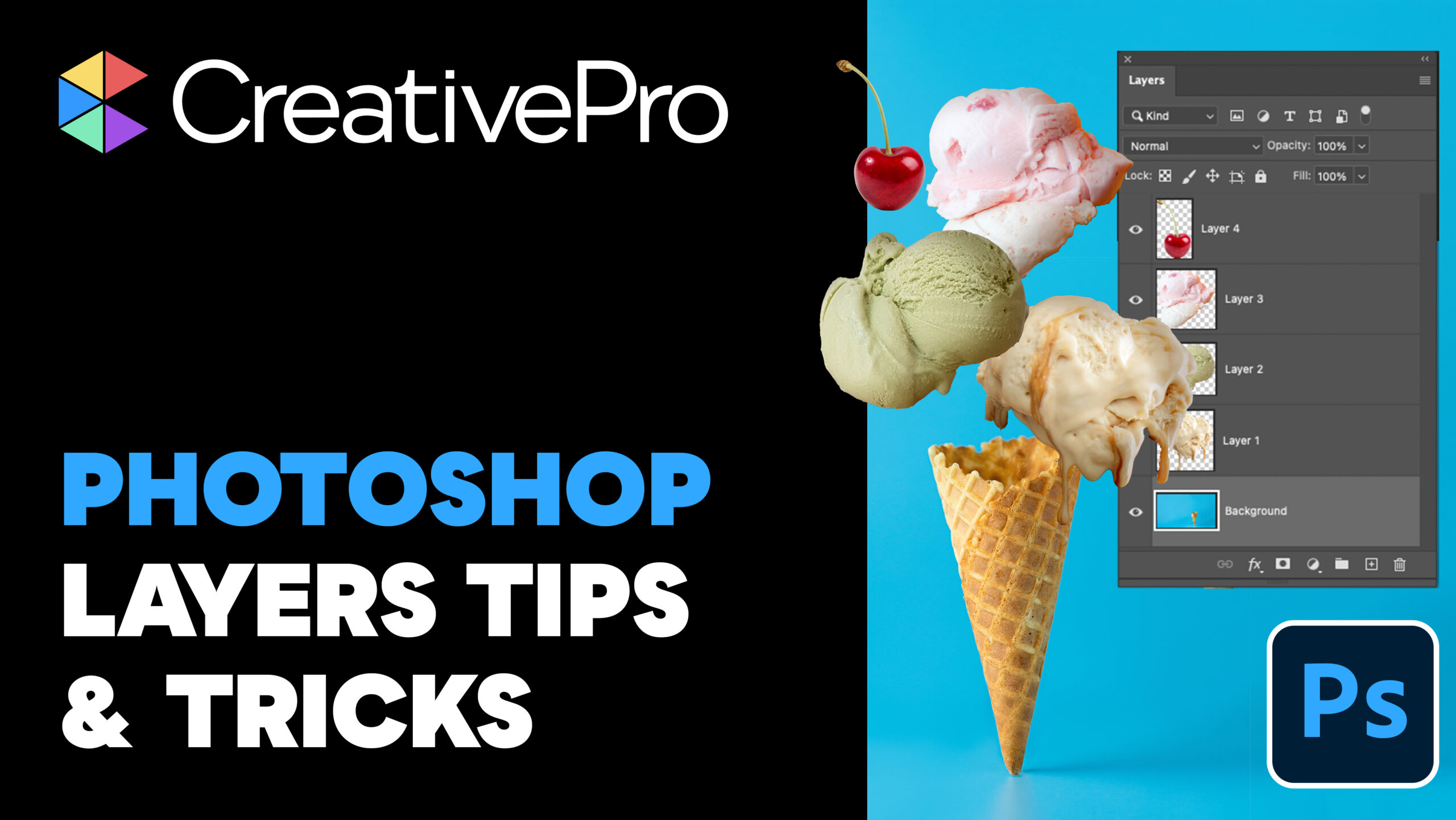
Livestream Video: Photoshop Layers Tips & Tricks
Join Khara Plicanic to learn some great tips and tricks for working with layers...