



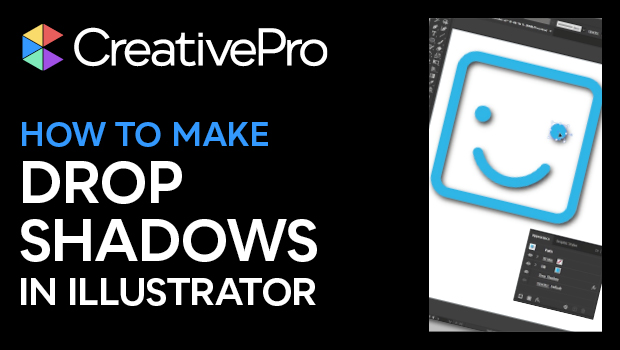
In this Illustrator how-to video, Kat Kremser shows you how to easily add a drop shadow effect to your vector objects to add a sense of depth to your graphics. You’ll also learn how to quickly make adjustments to shadows you’ve already applied and how shadows work differently on groups.
Subscribe to the CreativePro YouTube channel for more helpful design tips!
This article was last modified on August 29, 2025
This article was first published on January 13, 2025
Commenting is easier and faster when you're logged in!

Recommended for you
How to Make Illustrator More User Friendly
Set up your own custom workspace with Kat Kremser.
Create a Pantone Swatch in Illustrator
Make your own Pantone Swatch colors in Illustrator with Theresa Jackson.
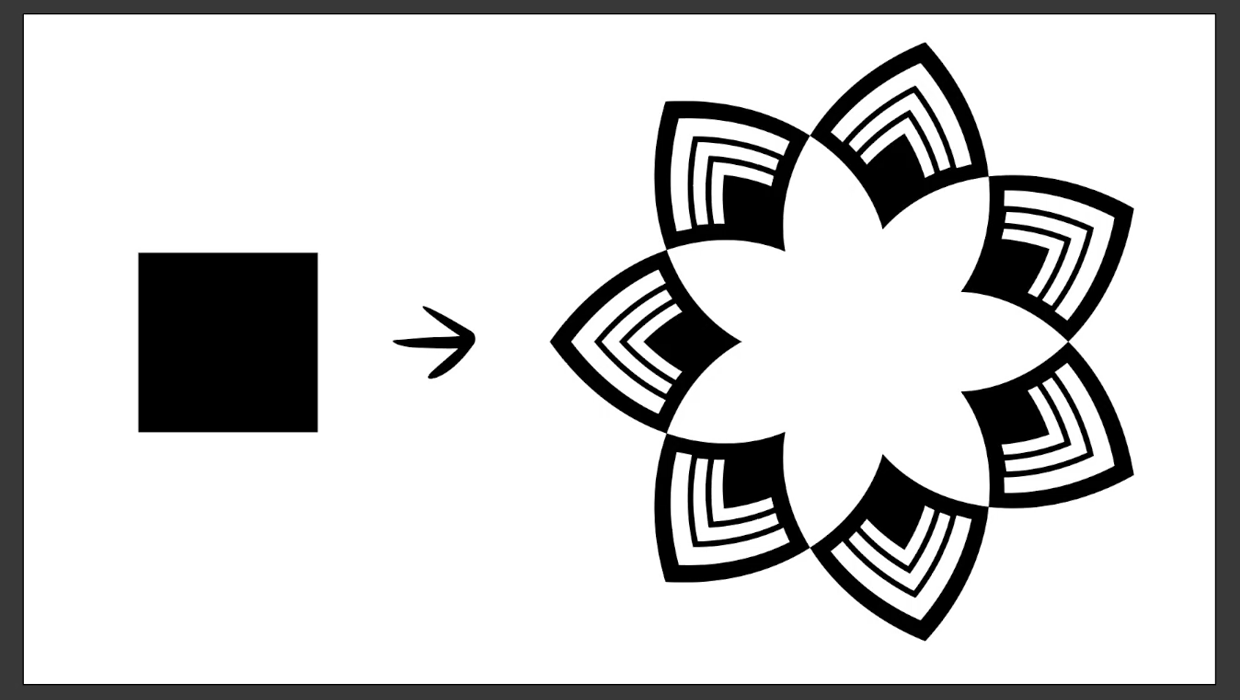
Create a Reusable Art Deco Pattern Brush in Adobe Illustrator
One of Illustrator’s greatest strengths is the ability to easily make reusable d...