




Did you ever need to match the size of a page in InDesign to a text frame (or other content) on that page?
There are a couple scripts that can speed up the process for you.
One is by Michel Allio. It’s called Resize Page on Text Frame and it does exactly that, for all pages in a document. You don’t have to select anything before running the script. It resizes the pages to match Primary Text Frames on them.
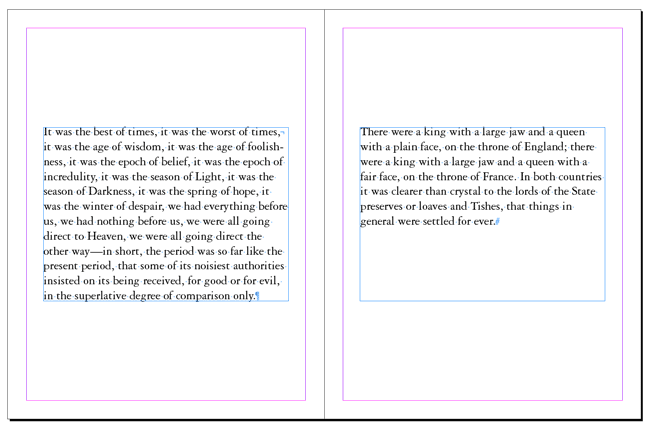

Another option is Size Page to Thing, by Olav Martin Kvern. This script will work on any text frame or other object, even a simple line.
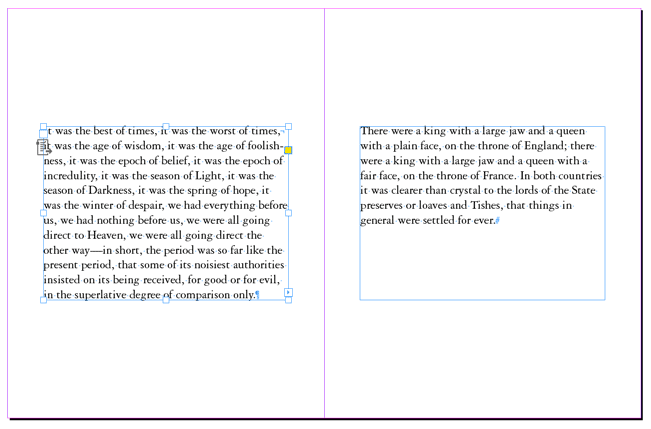

With this one you do have to select something before running the script. Also, be aware that the script takes stroke width into account when sizing the page. And, it only works on one page at a time. However, if you run it on a parent page all document pages based on that parent will change. Kvern also wrote a script that does the opposite: sizing an object to exactly fit a page.
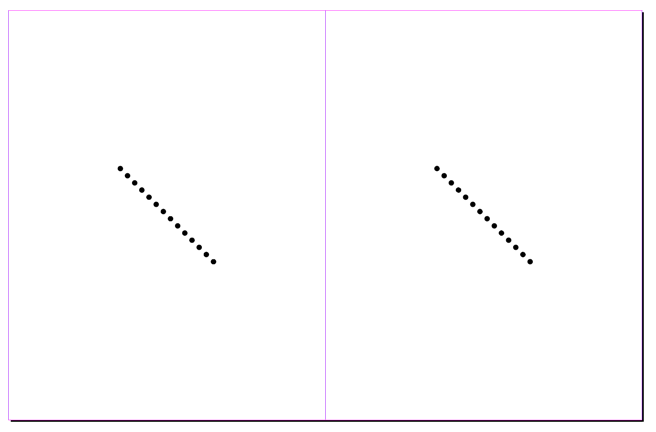

You can download both of those scripts, along with several others by Kvern here.
Thanks, Michel and Olav!
This article was last modified on October 8, 2024
This article was first published on October 8, 2024
Commenting is easier and faster when you're logged in!

Recommended for you

Lost Type Recovered from the Thames
The tale of loss—and eventual recovery, a century later—of the Doves Type typefa...

Scanning Around With Gene: Suitable for Framing
At the market my family frequented when I was a kid, there was always some sort...

Performing a Pre-Work Check
I had the opportunity the other day to open a file sent to me by someone I don...