



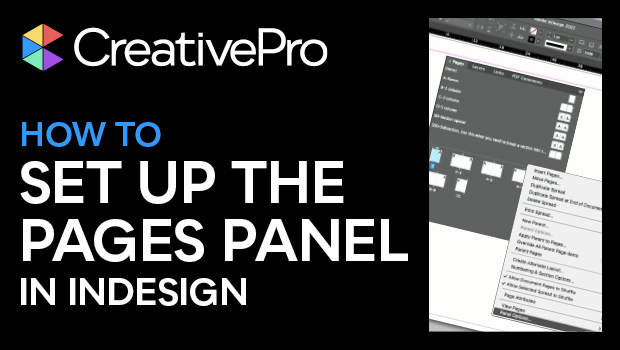
In this video, Keith Gilbert shows how he sets up his Pages panel in InDesign for maximum efficiency. From displaying pages horizontally or vertically to page naming considerations, he shares best practices for working with pages, especially for files that will be collaborated on with others.
This video is an excerpt from Keith’s “Parent Pages and Flowing Text in InDesign” session at CreativePro Week.
Subscribe to the CreativePro YouTube channel for more helpful design tips!
This article was last modified on September 23, 2025
This article was first published on June 20, 2024
Commenting is easier and faster when you're logged in!

Recommended for you

Rotate Multiple Spreads
If you have many spreads to rotate, even the more easily accessible menu command...
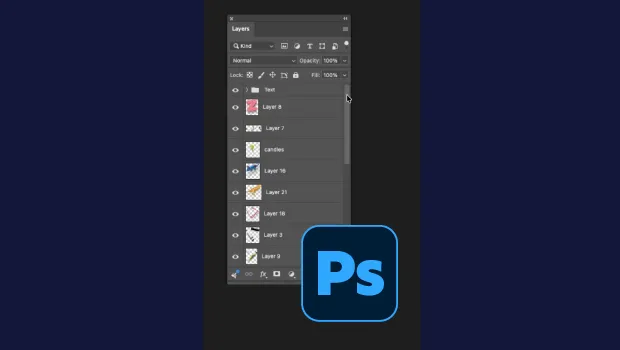
Smarter Thumbnails in Photoshop
Make Photoshop layer thumbnails clearer with one quick setting change.

10 Terrific Time Savers for InDesign
Life is busy. Work is hard. Use these tips to get more done faster.