



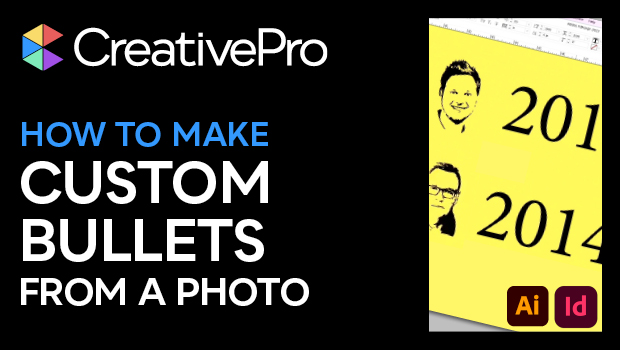
In this “Three Minutes Max” video, Mike Rankin demos a fun way to create some unique custom bullet characters in InDesign. He first goes into Illustrator and uses the trace function to convert his photos to vector artwork. Then using a plug-in called Fontself Maker, he creates glyphs from each photo and saves out his newly created font. Back in InDesign, Mike assigns a custom bullet character using that font.
Three Minutes Max comes from a fun—yet very competitive—session at our annual CreativePro Week conference. Speakers have three minutes to wow the audience with the tip and win a prize for a lucky conference attendee.
Subscribe to the CreativePro YouTube channel for more helpful design tips!
This article was last modified on August 29, 2025
This article was first published on June 6, 2024
Commenting is easier and faster when you're logged in!

Recommended for you
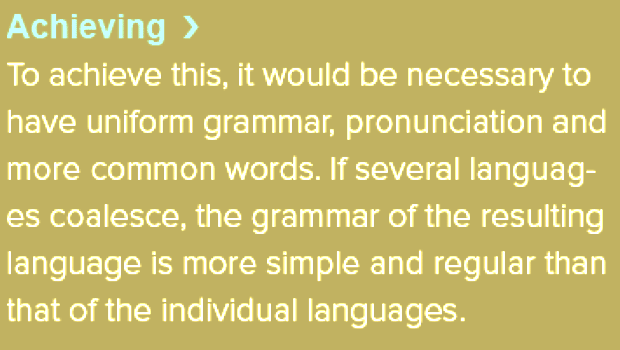
Creating Backward Bullets in InDesign
Did you ever wish you could put a bullet at the end of paragraph instead of at t...
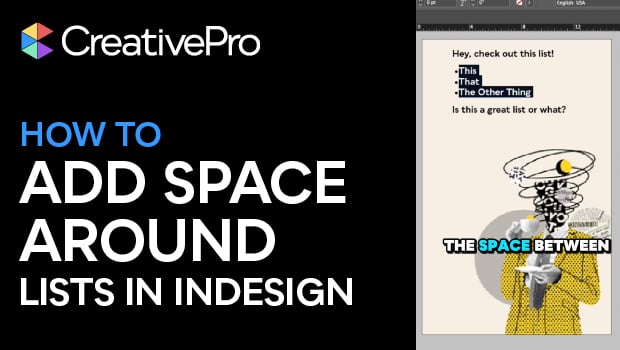
Create Space Around a List in InDesign
Add extra space around a list, without creating multiple paragraph styles!

An Improved Sample Buttons and Forms Library Panel
Did you know that InDesign has a built-in library of buttons and forms elements?...