




In this InDesign video, Nigel French shows how to activate and use text alternates to spice up your typography. He demos ligatures and contextual alternates, then explains how to see what options are available in a given font.
This video is an excerpt from Nigel’s “Professional Typography: Top Techniques” session at CreativePro Week 2018.
This article was last modified on August 29, 2025
This article was first published on December 5, 2022
Commenting is easier and faster when you're logged in!

Recommended for you
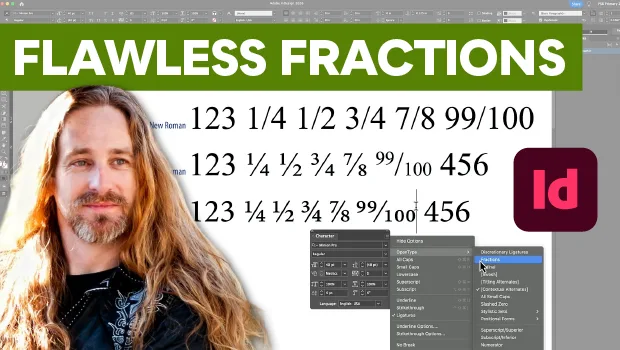
Create Flawless Fractions with OpenType
Choose your font carefully if you need flawless fractions!

A Script for Styling Punctuation in InDesign
This free script formats punctuation to match the text immediately before and af...

Using Alternates and Stylistic Sets
Alternates and stylistic sets allow you to create expressive text while staying...