



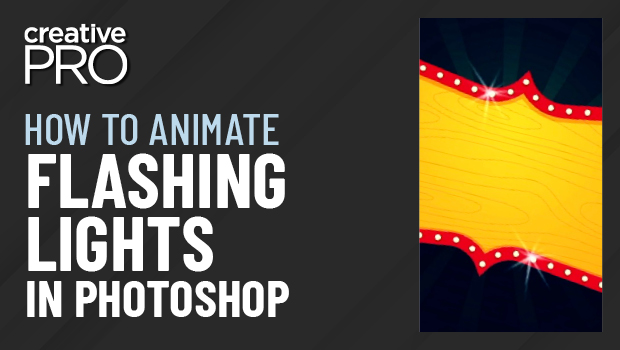
In this Three Minutes Max video, Khara Plicanic shows off a really quick way to make animated flashing lights in Photoshop. By duplicating layers and making slight adjustments to each, she turns each layer into a frame, creating the animation that can be exported to a video format.
Three Minutes Max comes from a fun—yet very competitive—session at our annual CreativePro Week conference. Speakers have three minutes (max!) to wow the audience with the tip and win a prize for a lucky conference attendee.
This article was last modified on August 29, 2025
This article was first published on August 4, 2022
Commenting is easier and faster when you're logged in!

Recommended for you

InStep: Creating Video Controls
Adding video and audio controls in InDesign offers unique options when exporting...

InDesign Tip: Making Custom Motion Paths for Animation
One of the coolest ways to customize animations in InDesign is to use any path i...
Using Animated GIFs in InDesign
You can place animated GIFs in your InDesign document. How you get them to work...