




In this “Three Minutes Max” video, Kladi Vergine shows off a quick way to create a warped text effect in Illustrator. She further enhances the completely editable text by creating multiples with the Blend tool, colors each, and then adds a white background for a sticker effect.
Three Minutes Max comes from a fun—yet very competitive—session at our annual CreativePro Week conference. Speakers have three minutes to wow the audience with the tip and win a prize for a lucky conference attendee.
Subscribe to the CreativePro YouTube channel for more helpful design tips!
This article was last modified on August 29, 2025
This article was first published on April 29, 2022
Commenting is easier and faster when you're logged in!

Recommended for you
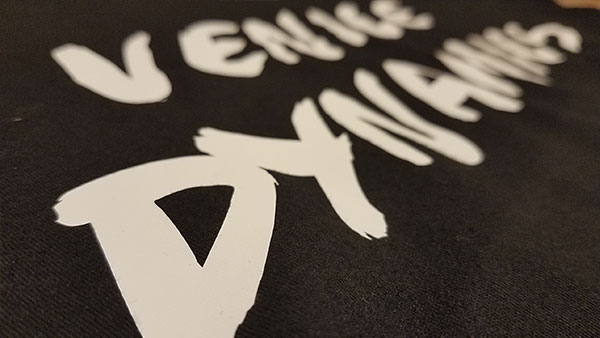
T-Shirt Design and Production: Vinyl Transfers
Let’s talk t-shirts! My name is Sebastian bleak and for over 7 years, I wa...
How to Style a Bar Chart in Illustrator
Learn a few helpful data visualization pointers on styling bar charts in Illustr...