


How to Use the Appearance Panel and Graphic Styles in Illustrator
See an easy way to add multiple strokes to an Illustrator object, and then employ a graphic style to repeat the look on multiple objects.

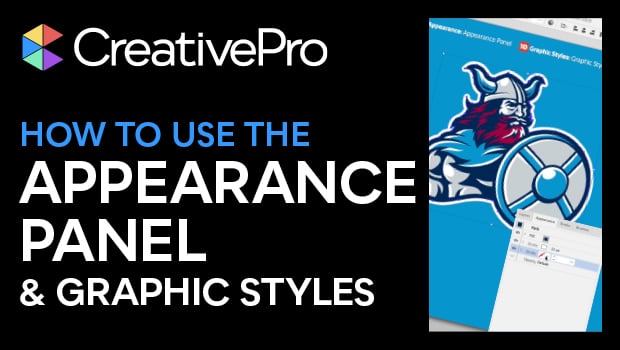
In this Illustrator video, Von Glitschka shows an easy way to add multiple strokes to an object, using the Appearance panel. He adds multiple lines simply by using the panel to add to the object’s appearance. Von then creates a graphic style with a simple drag and drop. He then repeats the look on multiple objects by selecting them and clicking the appropriate graphic style.
This video is an excerpt from Von’s “The 14 Tools You Need to Master in Illustrator” session at CreativePro Week.
Subscribe to the CreativePro YouTube channel for more helpful design tips!
This article was last modified on August 29, 2025
This article was first published on January 4, 2021
Commenting is easier and faster when you're logged in!

Recommended for you
How to Align and Distribute Objects in Illustrator
Learn how to align and distribute objects in Illustrator, take a look at the dif...

How to Create and Use Symbols in Illustrator
Learn how to maximize your efficiency in Illustrator by turning your artwork int...

Transforming Type
You can make some nifty type effects with InDesign alone, but for unlimited crea...