



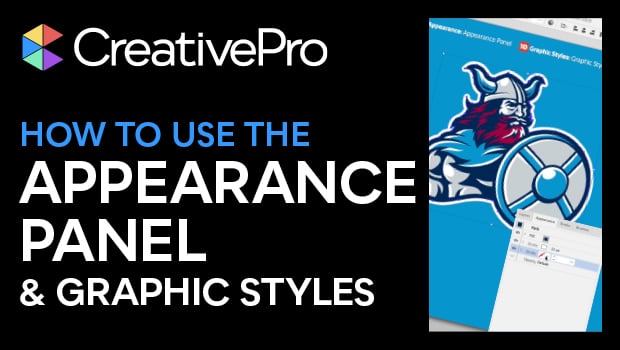
In this Illustrator video, Von Glitschka shows an easy way to add multiple strokes to an object, using the Appearance panel. He adds multiple lines simply by using the panel to add to the object’s appearance. Von then creates a graphic style with a simple drag and drop. He then repeats the look on multiple objects by selecting them and clicking the appropriate graphic style.
This video is an excerpt from Von’s “The 14 Tools You Need to Master in Illustrator” session at CreativePro Week.
Subscribe to the CreativePro YouTube channel for more helpful design tips!
This article was last modified on August 29, 2025
This article was first published on January 4, 2021
Commenting is easier and faster when you're logged in!

Recommended for you

CreativePro Week 2026 Preview: 5 Indispensable InDesign Sessions
Five sessions InDesign users can't afford to miss
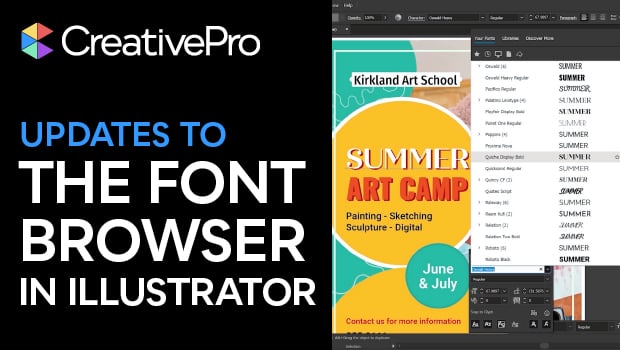
New Font Browser Features in Illustrator
Explore the new features added to the Font Browser in Illustrator 2026.
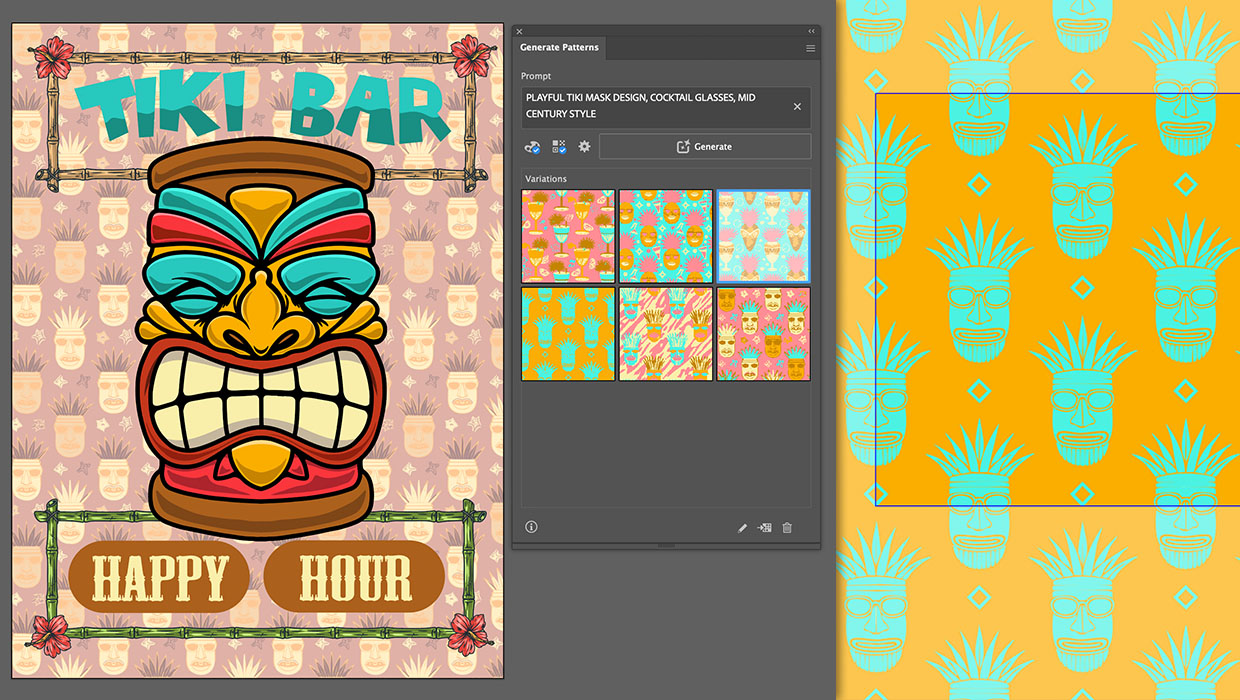
Generating Vector Patterns in Illustrator
Making patterns from prompts opens up a whole new world of creative possibilitie...