


InDesign Template Essentials: Tables of Contents
Includes five TOC styles that you can adapt and modify to your own needs, ranging from the simplest TOCs, to multi-level TOCs where each entry includes titles, summary text and...

In this version of Template Essentials, we turn our attention to a rather essential feature of long documents, tables of contents.
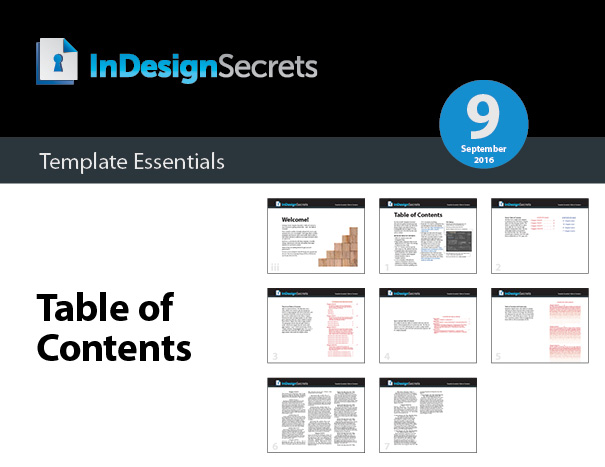
The file includes five TOC styles that you can adapt and modify to your own needs, ranging from the simplest TOCs, to multi-level TOCs where each entry includes titles, summary text and subheads.


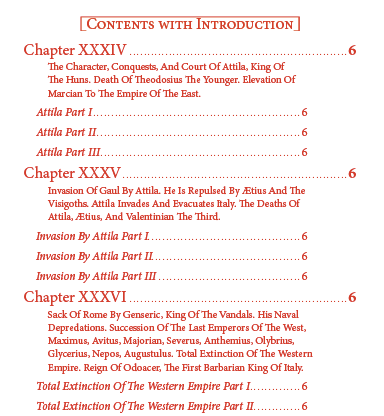
There’s even a version that incorporates nested line styles to create an interesting fade effect on the chapter text.

Plus a helpful explanation of the features in the TOC dialog box.

Commenting is easier and faster when you're logged in!

Recommended for you
Duplicate Formatting with These PowerPoint Tools
Use the Format or Animation Painters to apply styles with a single click!

Interview with Karen Larson, Brand Strategist and Artist
Discover how Canva can fit into impactful, professional workflows.