


InDesign Template Essentials: Anchored Objects
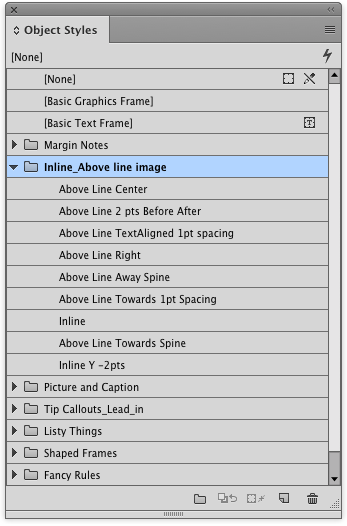
The big set of anchored object includes things like margin notes, tip boxes, inline images and captions, fancy list numbering and rules that you can’t make with InDesign’s paragraph rules...
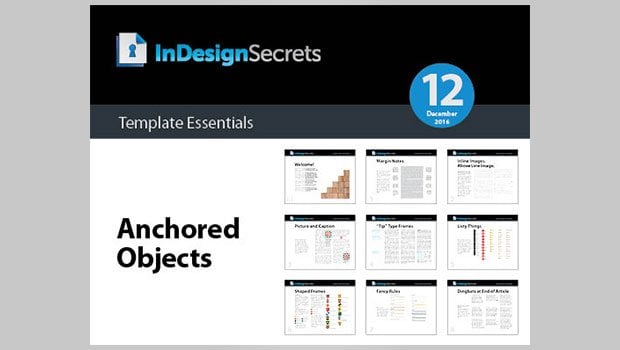
This template features a big batch of anchored objects for you!
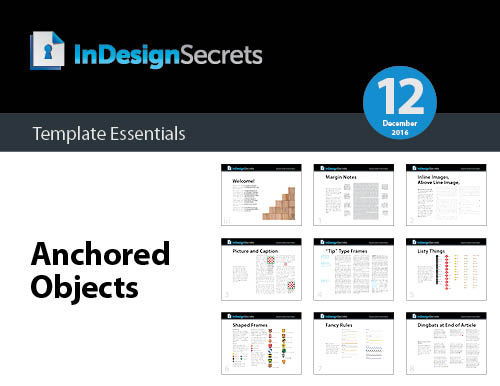
The set includes things like margin notes, tip boxes, inline images and captions, fancy list numbering and rules that you can’t make with InDesign’s paragraph rules feature—and more!
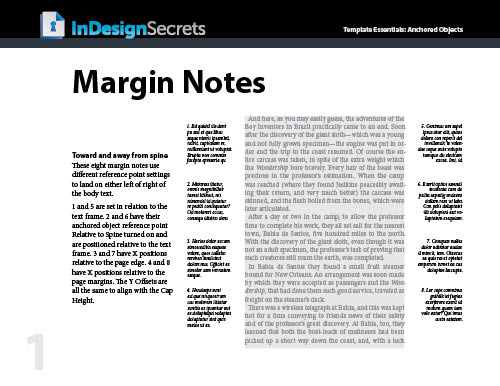
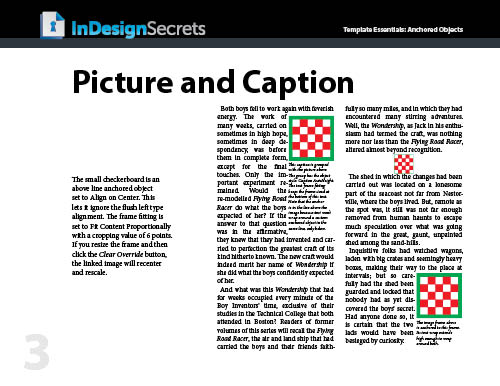
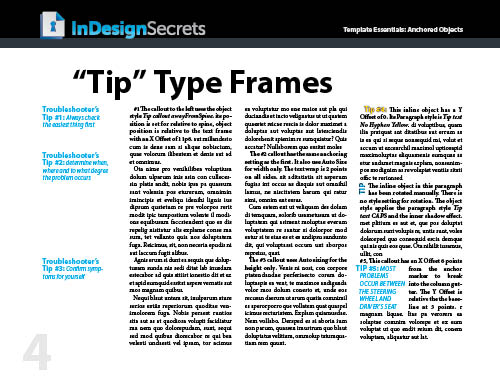
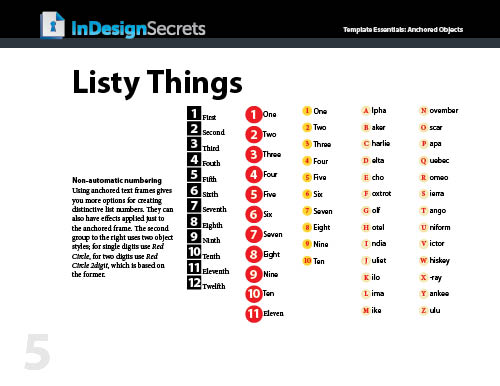
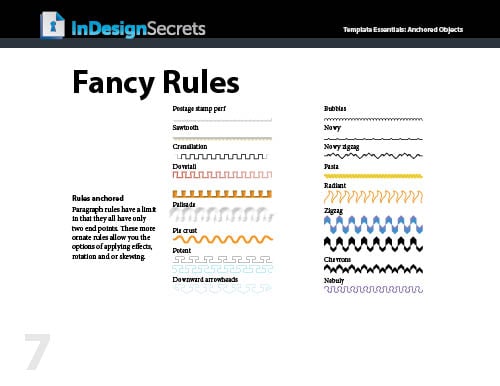
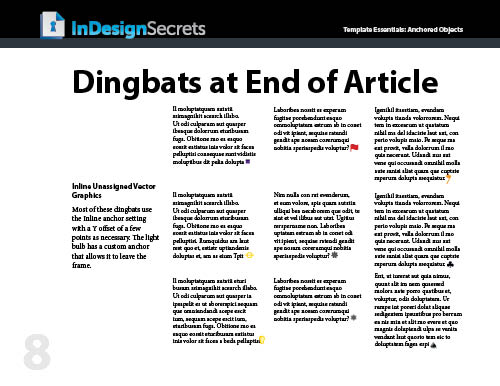
Everything is formatted with text and object styles, so you can copy and paste the objects into your documents and adjust the settings to your liking, link to your own graphics, edit the text, etc. Or just use them as inspirational examples to develop your own custom anchored objects.
Commenting is easier and faster when you're logged in!

Recommended for you

This Week in InDesign Articles, Number 63
Scripts, videos, blog posts... oh my, we have a lot of good links for you today!
Relinking Graphics: Tired of Navigating to the the Original Link Folder? Fix it!
Do you often have to relink images in your InDesign documents, only to have InDe...

Using NINA Scripts for Spirograph Patterns in InDesign
These are the coolest shapes you'll ever find inside InDesign