




This tutorial is courtesy of the Russell Brown Show.
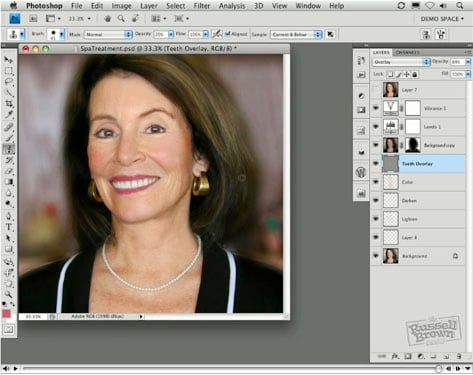
I’m a believer in subtle, gentle portrait retouching. In this how-to, I’ll show you how to downplay wrinkles, brighten teeth, and give someone a more even complexion — as if they’ve been to a really good spa.
Some of the retouching tools you’ll use are layer masks, blend modes in the Layers panel, and the Clone Stamp tool.
Click the image below to open the tutorial movie in a new window.
This article was last modified on January 5, 2023
This article was first published on November 9, 2009
Commenting is easier and faster when you're logged in!

Recommended for you

CreativePro Video: Using the Touch Type Tool in Illustrator
In this week’s CreativePro video, Mike Rankin demos how to adjust type with Illu...

Photoshop Blur Gallery: Tilt Shift
Editor’s Note: Don’t miss the earlier articles in the Photoshop Blur...
How to Create Kaleidoscopic Patterns in Photoshop
If you’ve been using Photoshop for a while, you’ve probably realised by now you...