InDesign How-To: Adding Custom Sizes to the Page Menu


Every designer has the need to create a custom page size every once in a while. But if you regularly need custom page sizes, it can be a pain to redefine the specs. InDesign has a nice feature that lets you add custom page sizes to the Page Size pop-up menu.
That means what was once a custom setting is now a preset available in your Document Setup dialog.
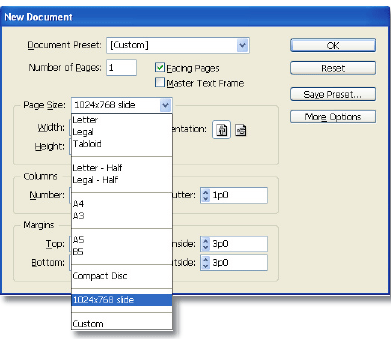
If you’re an InDesign user and you routinely make odd-size documents, then you’ll want to read this clever how-to, written by Adobe InDesign evangelist Tim Cole.
We’ve posted this feature as a PDF file. All you do is click the link “Adding Custom Page Sizes to the Page Size Menu” to open the PDF file in your Web browser. You can also download the PDF to your machine for later viewing.
To open the PDF, you’ll need a full version of Adobe Acrobat (5 or higher) or the Adobe Reader, which you can download here:
 .
.
To learn how to configure your browser for viewing PDF files, see the Adobe Reader tech support page.
This article was last modified on March 10, 2025
This article was first published on March 5, 2004
Commenting is easier and faster when you're logged in!

Recommended for you
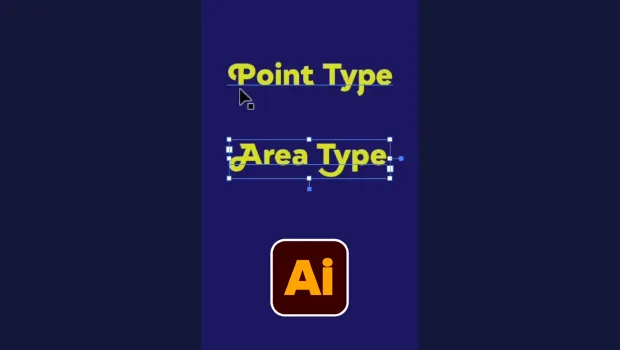
Illustrator’s Two Kinds of Type
Khara Plicanic explains the two kinds of type in Illustrator.

Mapping Paragraph Styles to PDF Tags in InDesign
Map Paragraph Styles in your InDesign document to the proper tags for accessible...