




In this week’s InDesignSecrets video, Mike Rankin shows how to convert shapes in InDesign. Switch circles to squares, rectangles to starbursts, or hexagons to triangles instantly. He also demonstrates how this can be helpful for quickly fixing odd or misshapen objects.
Check out new tutorials every Tuesday on our InDesign Secrets YouTube channel, then join the discussion on our Facebook group!
This article was last modified on August 29, 2025
This article was first published on October 9, 2018
Commenting is easier and faster when you're logged in!

Recommended for you
How to Work with Illustrator’s Effects
Learn how to work with effects in Illustrator and make further adjustments, incl...
How to Use PowerPoint’s Merge Shapes Options
Learn how to combine PowerPoint shapes in several ways, using the built-in merge...
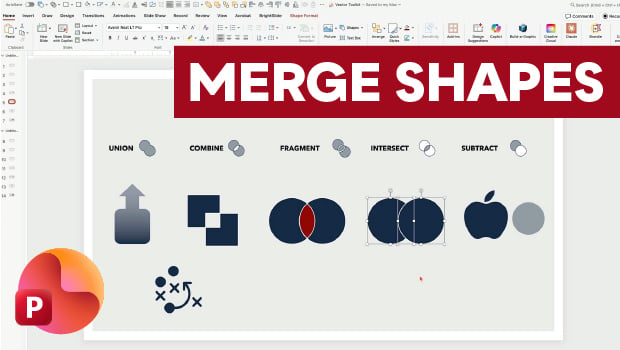
Getting the Most from PowerPoint’s Merge Shapes Feature
Explore Merge Shapes, one of PowerPoint's most powerful tools, with Nolan Haims!