




In this week’s InDesignSecrets video, Erica Gamet shows how to set up our InDesign paragraph styles to switch automatically. By using the Next Style feature, she shows us how easy it is to automate a change of styles just by hitting return!
Check out new tutorials every Tuesday on our InDesign Secrets YouTube channel, then join the discussion on our Facebook group!
This article was last modified on August 29, 2025
This article was first published on October 2, 2018
Commenting is easier and faster when you're logged in!

Recommended for you

Conditional Styling Rules for InDesign
With this plug-in you can define conditions for automatically applying paragraph...
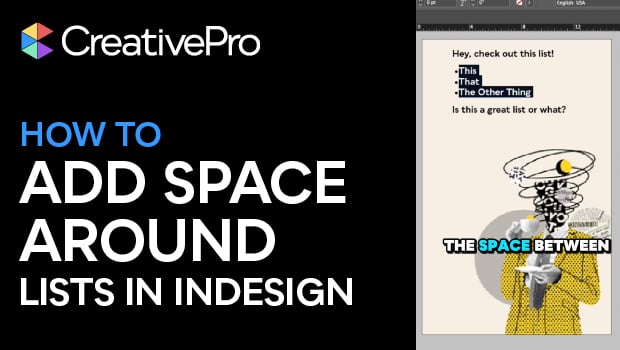
Create Space Around a List in InDesign
Add extra space around a list, without creating multiple paragraph styles!
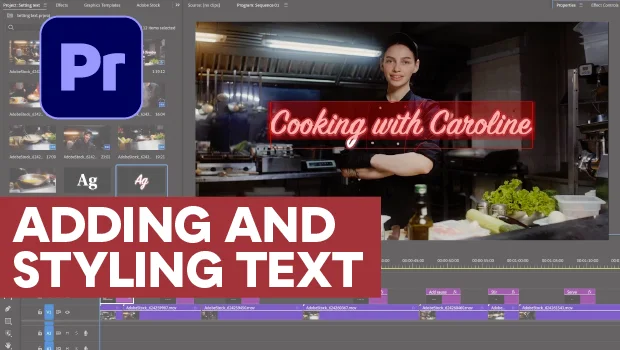
Adding and Styling Text in Premiere
Myra Ferguson covers text formatting and safe margins in Premiere.