




In this week’s InDesignSecrets video, Mike Rankin shows us how to use InDesign’s Power Zoom. He demos how to easily zoom around a document, reset the view, and even navigate between pages while zooming.
Check out new tutorials every Tuesday on our InDesign Secrets YouTube channel, then join the discussion on our Facebook group!
This article was last modified on August 29, 2025
This article was first published on February 5, 2019
Commenting is easier and faster when you're logged in!

Recommended for you

Index Fixes: Sorting
InDesign doesn't distinguish letter-by-letter and word-by-word sorting, it suppo...

Livestream Video: Creating Retro Looks & Type Treatments in Photoshop
Making new things look old is always a fun challenge!
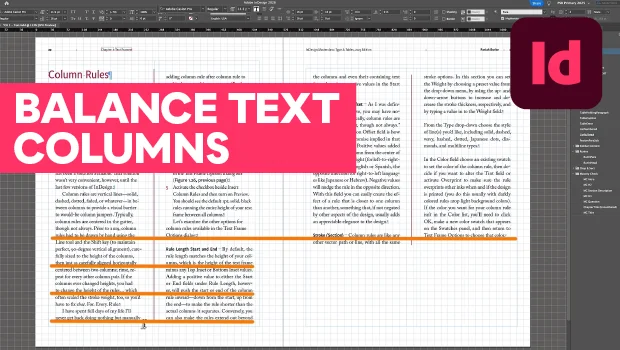
How to Balance Text Columns Automatically and with Baseline Grid
Bring balance to your InDesign spreads with this Text Frame Option.