




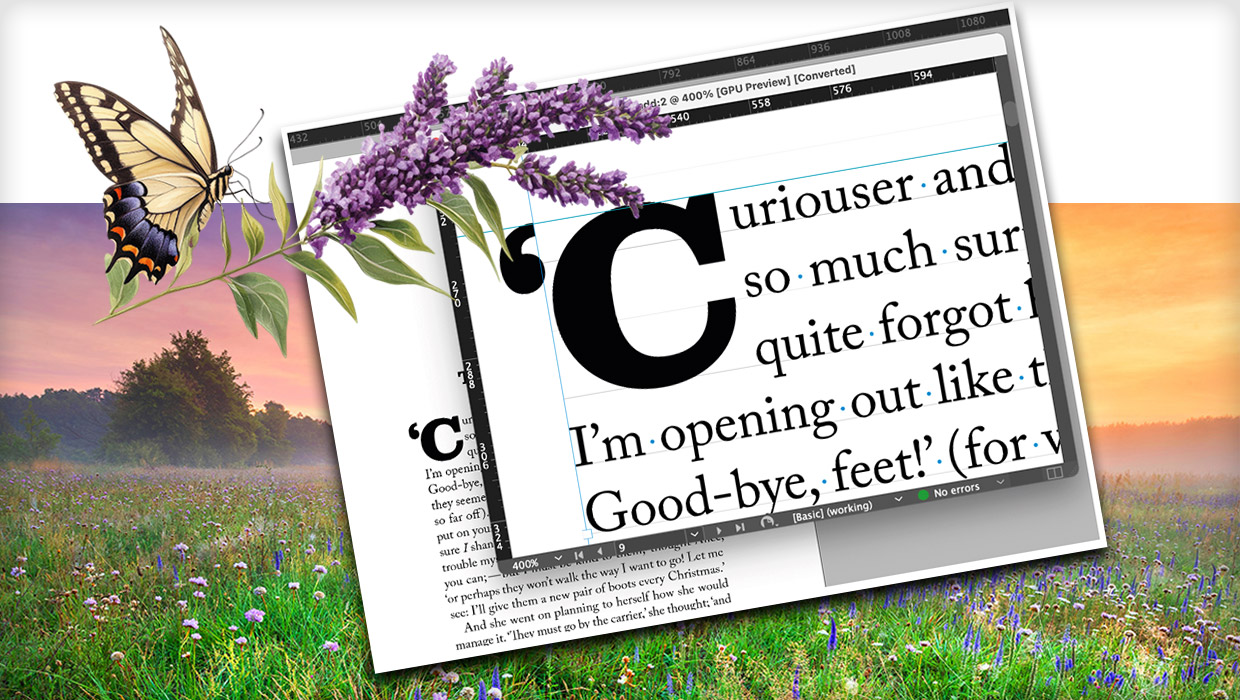
In this week’s InDesignSecrets video, David Blatner shows how easy it is to format specific text at the beginning of a paragraph. If these run-in headers fit a pattern, it’s super easy to apply the formatting automatically.
Check out new tutorials every Tuesday on our InDesign Secrets YouTube channel, then join the discussion on our Facebook group!
This article was last modified on August 29, 2025
This article was first published on May 29, 2019
Commenting is easier and faster when you're logged in!

Recommended for you

A Script for Styling Punctuation in InDesign
This free script formats punctuation to match the text immediately before and af...
How to Be a Better Graphic Designer: Sweat the Details
Nigel French reminds us how much the little things matter in design.

Index Fixes: No Styling in Topic Names
Topic names cannot natively be styled in the Index panel. However, a simple solu...