




In this week’s InDesignSecrets video, David Blatner reveals how to add a gravity effect to your InDesign type. Using a somewhat obscure feature, he demonstrates how easy it is to apply a skewed effect to type on a path.
Check out new tutorials every Tuesday on our InDesign Secrets YouTube channel, then join the discussion on our Facebook group!
This article was last modified on August 29, 2025
This article was first published on January 22, 2019
Commenting is easier and faster when you're logged in!

Recommended for you
InDesign How-to Video: How to Convert Document Pages to Master Pages
Learn how easy it is to quickly convert InDesign document pages to master pages.
CreativePro Video: How to Turn Day into Night in Photoshop
In this week’s CreativePro video, Steve Caplin shows how to select a photo’s hig...
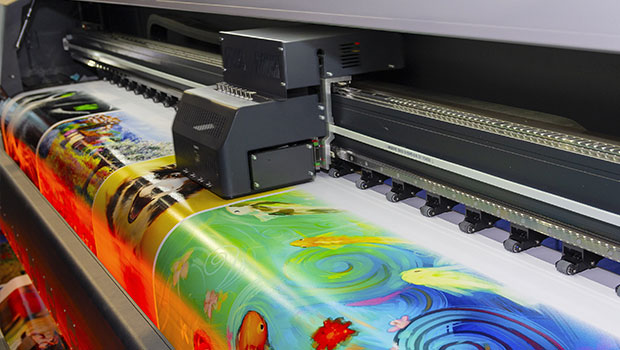
Understanding the Pros & Cons of Digital Printing
Digital presses have revolutionized printing: they’re fast, flexible, and high q...