



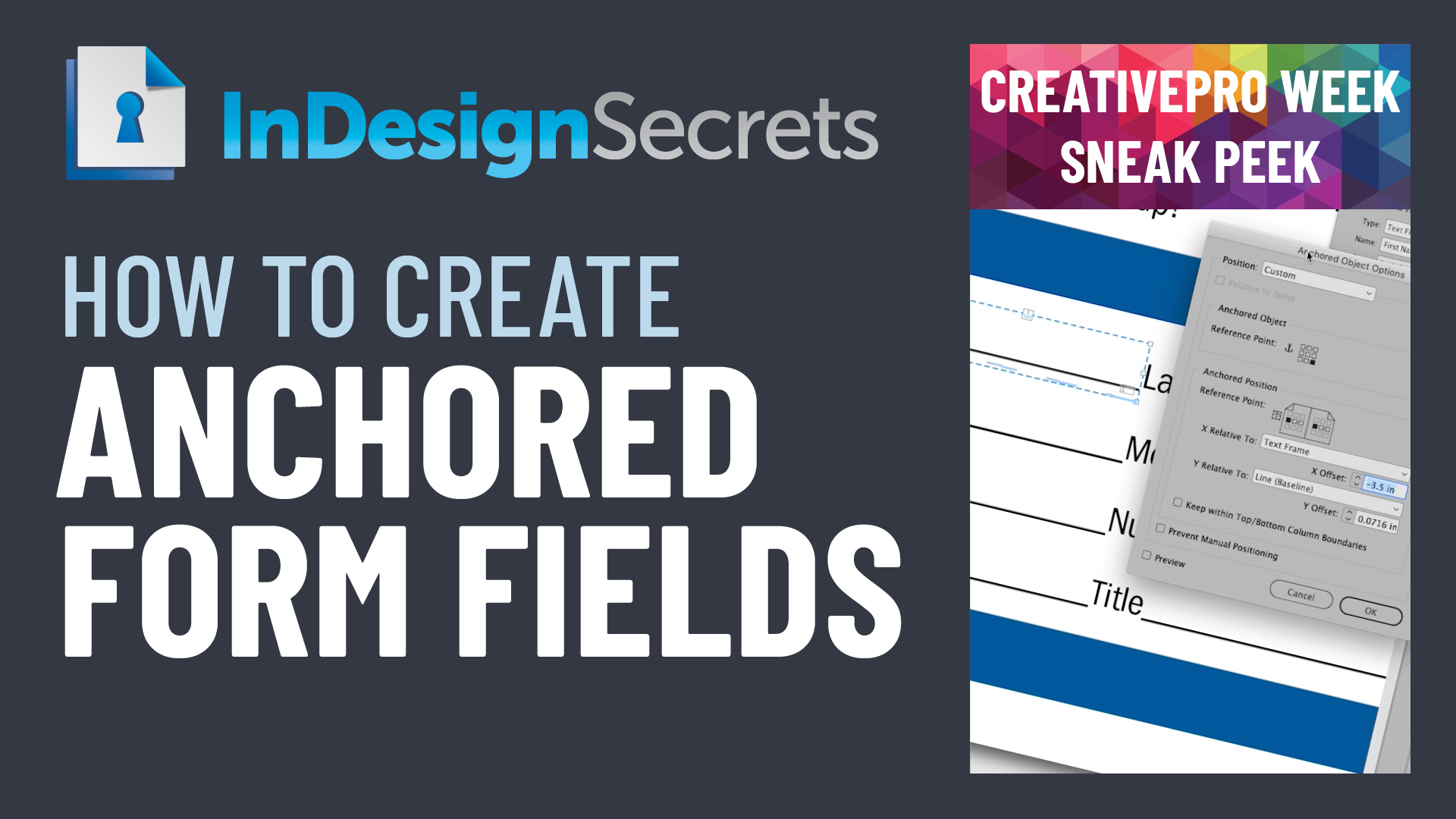
In this week’s InDesignSecrets video, David Blatner demonstrates one of the easy ways to add lines when creating a form within InDesign. He even shows how to create a style for automation of the somewhat tedious task.
Check out new tutorials every Tuesday on our InDesign Secrets YouTube channel, then join the discussion on our Facebook group!
This article was last modified on August 29, 2025
This article was first published on February 28, 2019
Commenting is easier and faster when you're logged in!

Recommended for you

InQuestion: Hanging Page Numbers on the Right Side of a Table of Contents
Sandee Cohen shows how to use an obscure bit of paragraph formatting make page n...

Working with Anchored Objects in InDesign
See how to use anchored objects to achieve maximum efficiency with text and grap...
InDesign How-To: Create Anchored Form Fields
See how to anchor fillable form fields so they flow with text and how to quickly...