



In this week’s InDesignSecrets video, Mike Rankin sets up a document to bleed—or extend—to the edge of a printed page. When printing a document, a bleed allows for any paper shift that can occur, while ensuring all elements that need to will “bleed” off the page.
Check out new tutorials every Tuesday on our InDesign Secrets YouTube channel, then join the discussion on our Facebook group!
This article was last modified on August 29, 2025
This article was first published on March 19, 2019
Commenting is easier and faster when you're logged in!

Recommended for you
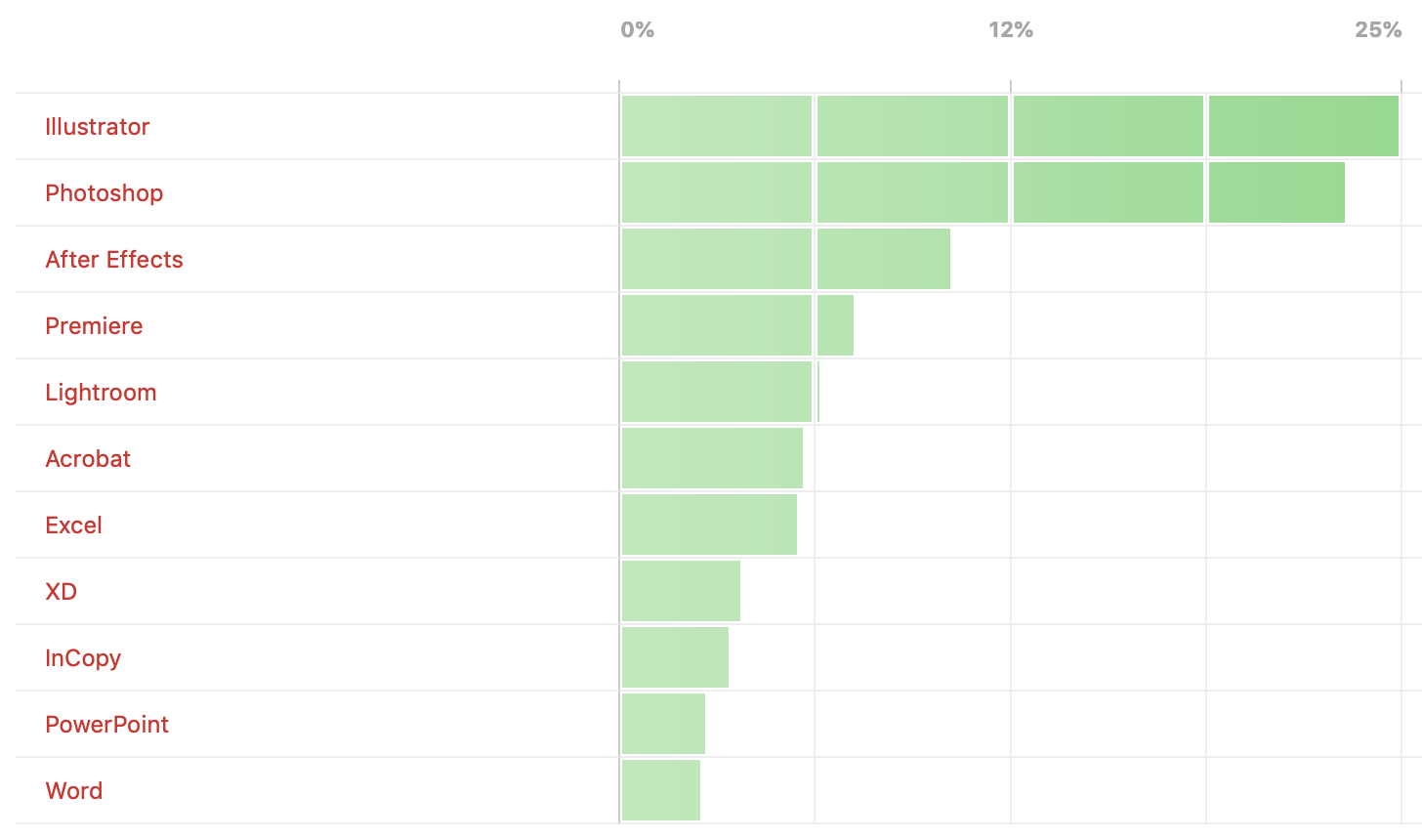
Poll Results: Which programs do you wish you knew better?
The results of our poll asking if you still use Flash (SWF) and a new poll on wh...

The Case of the Jaggy Image Contest Answer and Winner
The solution to our latest InDesign mystery revealed.

CreativePro Video: Create a Color Palette From a Photo
In this week’s CreativePro video, Nigel French demonstrates how to make a color...