



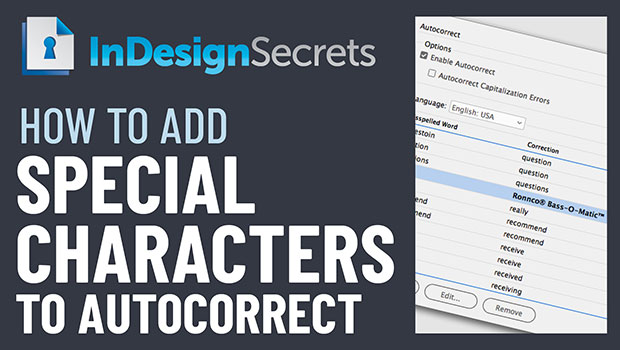
In this week’s InDesignSecrets video, Keith Gilbert shows how to create an autocorrect word pair in InDesign that contains special characters, such as the trademark symbol. This can’t be done natively, so Keith demos how it’s possible taking just a few extra steps!
This tutorial is an excerpt from Three Minutes Max: a fun, yet very competitive session at our annual CreativePro Week conference. Speakers have three minutes to wow the audience with the tip and win a prize for a lucky conference attendee.
Check out new tutorials every Tuesday on our InDesign Secrets YouTube channel, then join the discussion on our Facebook group!
This article was last modified on August 29, 2025
This article was first published on July 23, 2019
Commenting is easier and faster when you're logged in!

Recommended for you
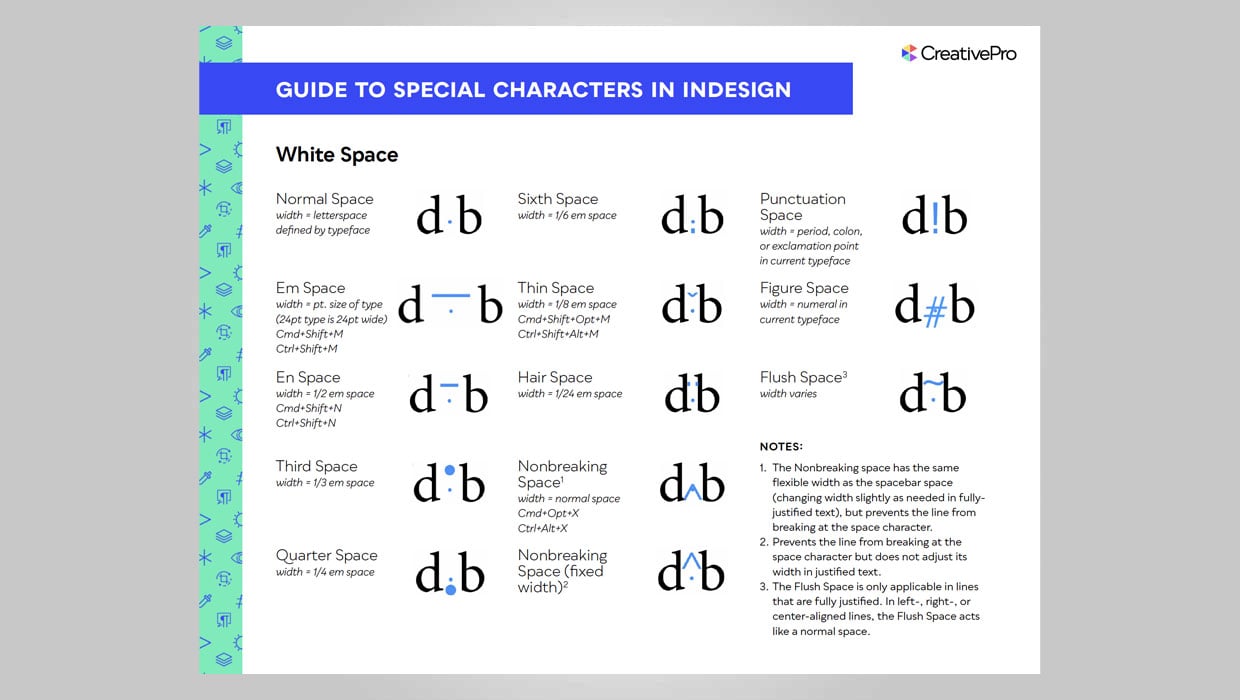
InDesign Downloadable: Guide to Special Characters
A complete guide to all the “hidden” characters in InDesign

Using Special Characters in Nested Styles
How to use Find/Change to grab a special character for Nested Styles in InDesign

Creating a Rust Effect in Photoshop
The trouble with clean signs is that they can sometimes a bit too clean, an...