



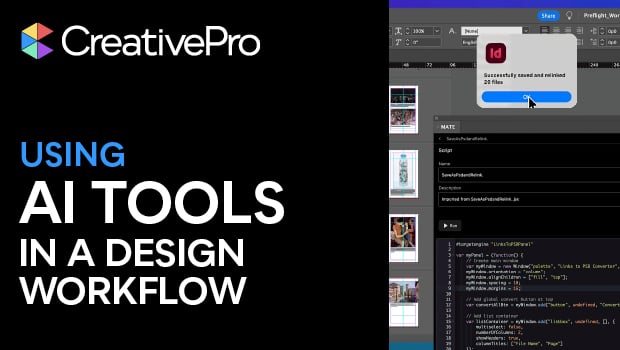
In this InDesign how-to video, Amybeth Menendez combines ChatGPT and the AI plug-in OMATA MATE to create a script to handle tedious tasks. For this demonstration, Amybeth asks ChatGPT to create a prompt for MATE to convert and relink all the images in her document’s link panel to PSD files. Then, MATE generates the script, ready to be loaded into the Scripts panel.
This is just a taste of the great content you’ll learn in Amybeth’s upcoming session at The Design + AI Summit 2026, being held online April 9–10. See the agenda and sign up now.
Subscribe to the CreativePro YouTube channel for more helpful design tips!
This article was last modified on February 27, 2026
This article was first published on February 20, 2026
Commenting is easier and faster when you're logged in!

Recommended for you

Style Highlighting
A new free script can reveal at a glance where any style has been applied in you...

Switching Rows and Columns in an InDesign Table
Sometimes you have a table in InDesign that looks like this: A B C D E F G H I B...

A Script for Setting InDesign Preferences
This customizable script takes the chore out of setting InDesign's preferences t...