



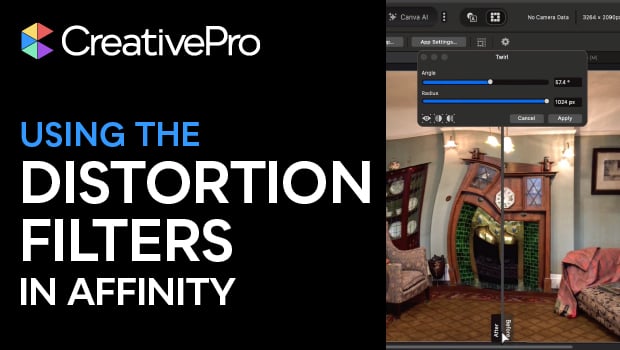
In this Affinity how-to video, Steve Caplin takes you on a whirlwind tour of the program’s built-in distortion filters. He demonstrates how to use effects like Twirl, Spherical, Glitch, and Blast to transform your images. Most importantly, Steve highlights how Affinity’s live previews and intuitive slider bars make using these filters as easy as dragging your mouse.
Subscribe to the CreativePro YouTube channel for more helpful design tips!
This article was last modified on March 20, 2026
This article was first published on March 20, 2026
Commenting is easier and faster when you're logged in!

Recommended for you
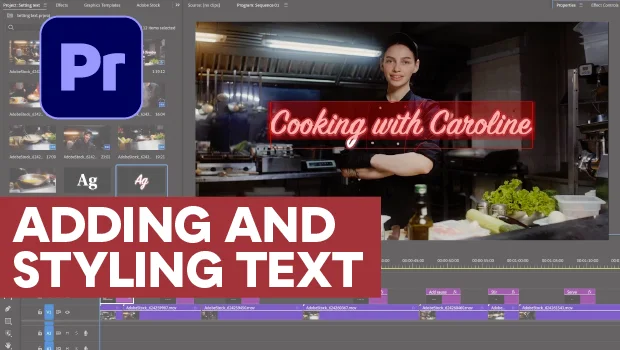
Adding and Styling Text in Premiere
Myra Ferguson covers text formatting and safe margins in Premiere.
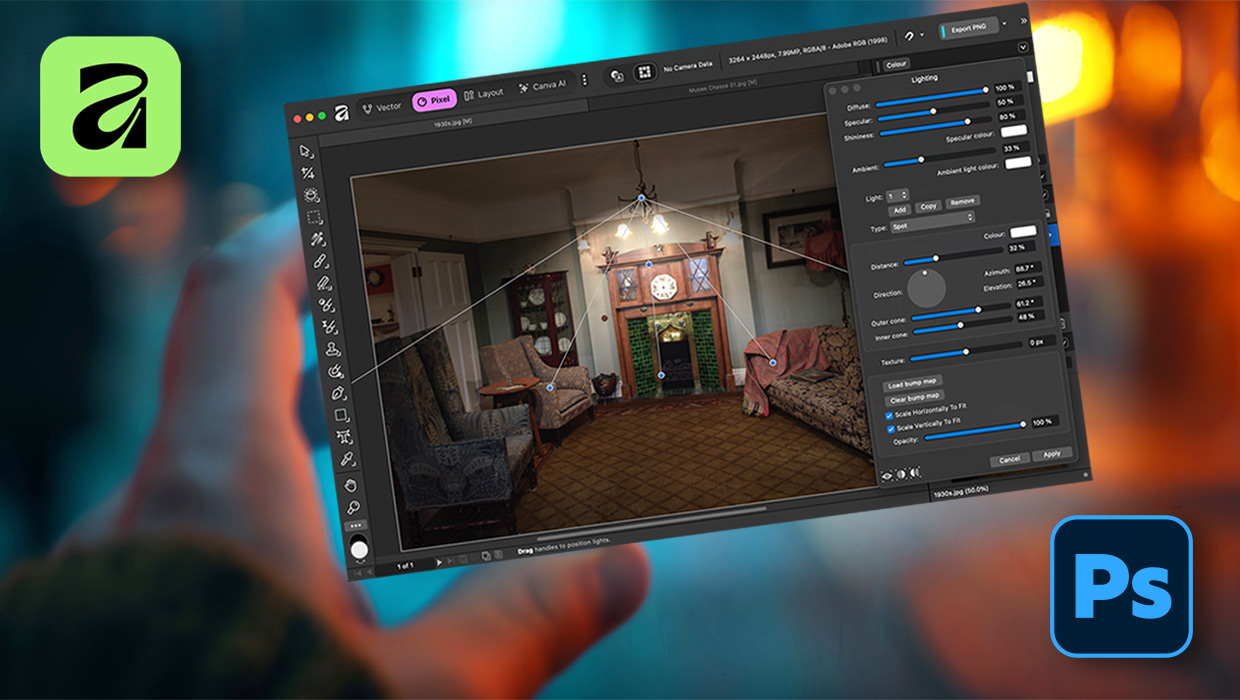
Affinity for Photoshop Users
From real-time previews to added adjustments, Affinity special effect and lighti...

Index Fixes: Multiple Indexes in an InDesign Document
InDesign documents can contain only one index. But when you need more than one i...