



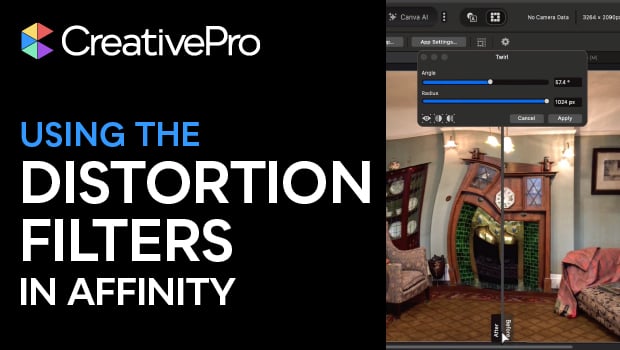
In this Affinity how-to video, Steve Caplin takes you on a whirlwind tour of the program’s built-in distortion filters. He demonstrates how to use effects like Twirl, Spherical, Glitch, and Blast to transform your images. Most importantly, Steve highlights how Affinity’s live previews and intuitive slider bars make using these filters as easy as dragging your mouse.
Subscribe to the CreativePro YouTube channel for more helpful design tips!
This article was last modified on March 20, 2026
This article was first published on March 20, 2026
Commenting is easier and faster when you're logged in!

Recommended for you
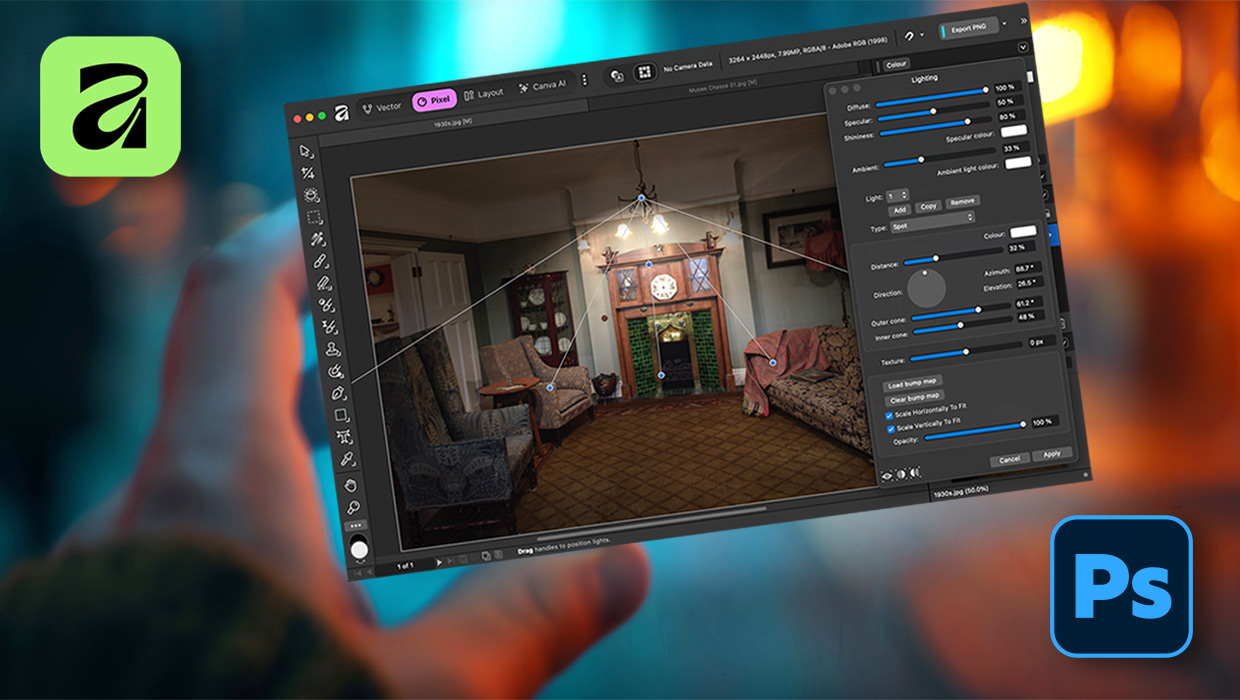
Affinity for Photoshop Users
From real-time previews to added adjustments, Affinity special effect and lighti...

How to Create a Reusable Haze Filter in Photoshop
Learn how to create a reusable Photoshop filter for adding a haze effect to an i...
How to Colorize a Video in Photoshop
Learn how easy it is to quickly add color to a black and white video using the C...