




Just a quick note to let you know that Lynda.com has published two new titles of interest to InDesign users:
- InDesign CS4: 10 Free Must-Have Plugins. In this short title, I demonstrate ten of my favorite (free!) plug-ins, including AutoFit, Sudoku Generator, and (of course) PatternMaker. The whole thing takes only a half-hour, so it’s perfect to watch while eating lunch sometime.
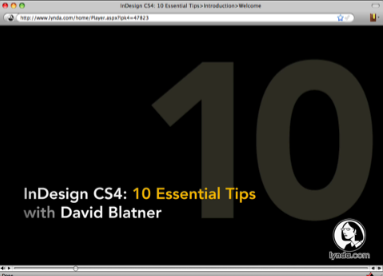
- InDesign CS4: 10 Essential Tips. In this title, I show 10 techniques that I think every InDesign user needs to know, including tricks for cleaning up text after you import it and troubleshooting documents. This one is also less than an hour, so it’s easy to digest quickly.
If you’re a lynda.com subscriber, you can watch all the movies as part of your subscription. If you’re not yet a subscriber, you can watch the intro and a couple of the movies to whet your appetite.
I hope you enjoy them! Stay tuned… in the next week or two we’ll post the links to two more lynda.com titles I presented (one on 10 Free Scripts that everyone needs to know about, and one on 10 things you need to know about GREP).
This article was last modified on December 19, 2021
This article was first published on April 9, 2009
Commenting is easier and faster when you're logged in!

Recommended for you

CreativePro Video: Delete Blank Pages in Adobe Acrobat
In this week’s CreativePro video, David Blatner shows us how to delete multiple...

CreativePro Video: Fill Live Illustrator Text With a Gradient
In this week’s CreativePro video, Mike Rankin shows us how to quickly fill text...

InDesign How-to Video: How to Style Fractions
In this week’s InDesignSecrets video, Anne-Marie Concepción explains how to use...