



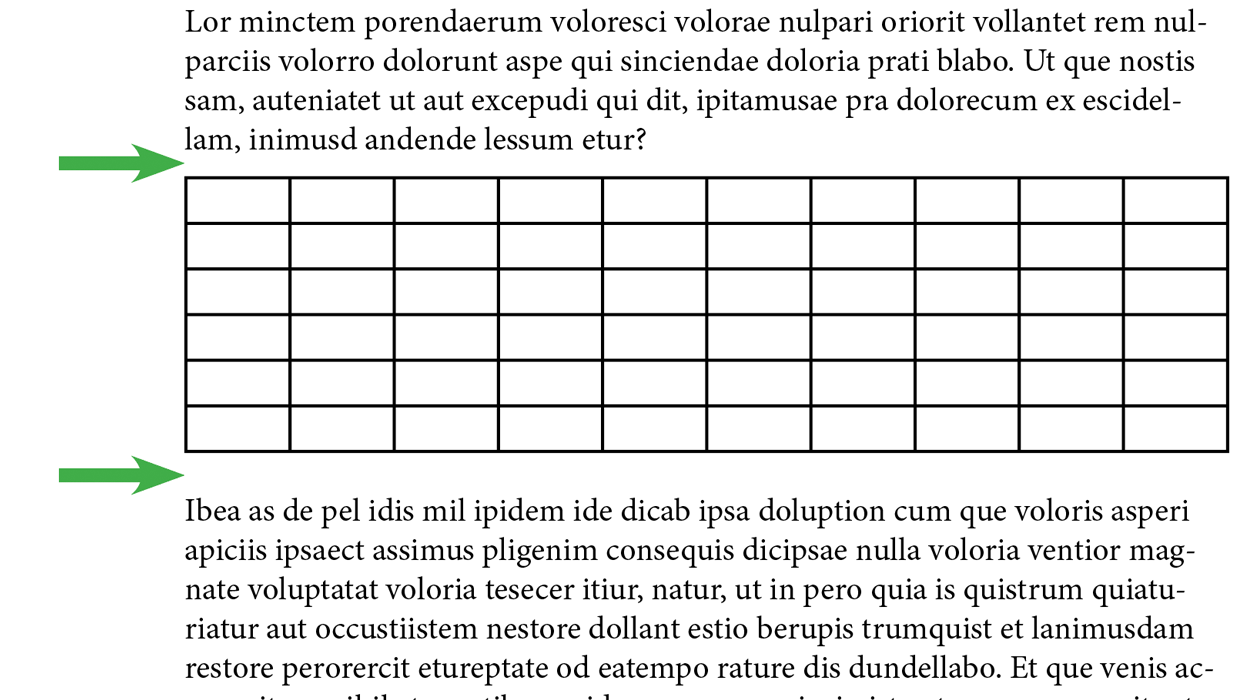
Even though they don’t give you the power to control all aspects of table formatting, table styles can be a great help in formatting a bunch of tables quickly and consistently. But there’s at least one setting in the Table Style Options dialog box that remains rather mysterious for a lot of users: Table Spacing.

The Space Before value is the space from the outside edge of the table border to the baseline of text above. The default value is 4 pts.
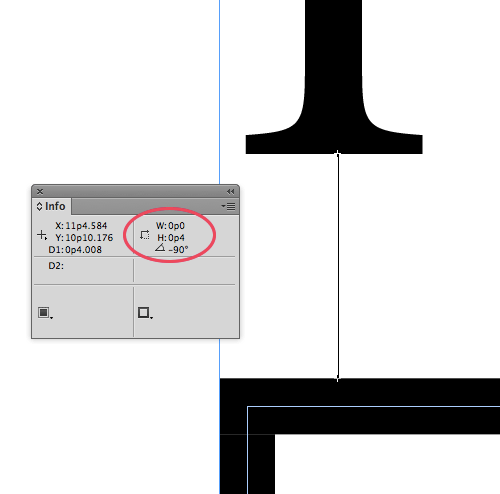
OK, that makes sense. But what about the Space After value, where the default is –4 pts? What does that mean? It sounds like the table should be overlapping the next line of text.
Actually, the Space After is how much space is added to the leading of the next line to determine the space from the bottom of the table border to the next text baseline. So a space after of zero would make the space from the outer edge of the table border to the baseline the same as the leading.
As I mentioned above, the default is a little tighter, –4 pts. So if a paragraph following a table had 14 point leading, the first baseline of text would be 10 points from the bottom of the table border, (14 – 4 = 10).

Got all that? Good, just remember to also add any space before or space after applied to the paragraphs containing the table and surrounding text and you’ll always understand why a table sits exactly where it does in the text flow.
This article was last modified on April 14, 2026
This article was first published on October 7, 2014
Commenting is easier and faster when you're logged in!

Recommended for you

InDesign Magazine Issue 77: Fresh Tips
We’re happy to announce that InDesign Magazine Issue 77 (September, 2015) i...
Tip of the Week: Applying Seamless Shading to Consecutive Paragraphs
Four ways to apply seamless shading behind consecutive paragraphs in InDesign CC...

The Peter Kahrel Script Repository Gets a CreativePro Makeover
Peter Kahrel is one of the most prolific and influential InDesign scripters of a...