




This InDesign tip on breaking lines at em spaces and en spaces with discretionary line breaks was sent to Tip of the Week email subscribers on November 10, 2016.

Sign up now and every week you’ll get a new tip, keyboard shortcut, and roundups of new articles, plus exclusive deals sent right to your Inbox!
Just scroll down to the bottom of this page, enter your email address, and click Go! We’ll take care of the rest. Now, on with the tip!
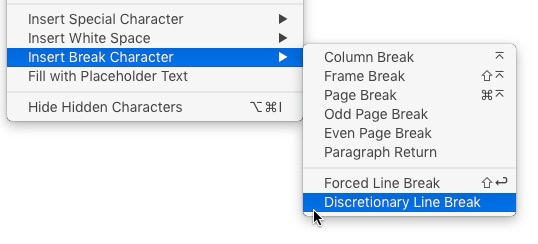
InDesign treats special white space characters (such as em and en spaces) as nonbreaking. If you want to allow them to break at the end of the line, insert a Discretionary Line Break (from the Insert Line Break submenu, under the Type menu).
This article was last modified on July 25, 2019
This article was first published on November 15, 2016
Commenting is easier and faster when you're logged in!

Recommended for you
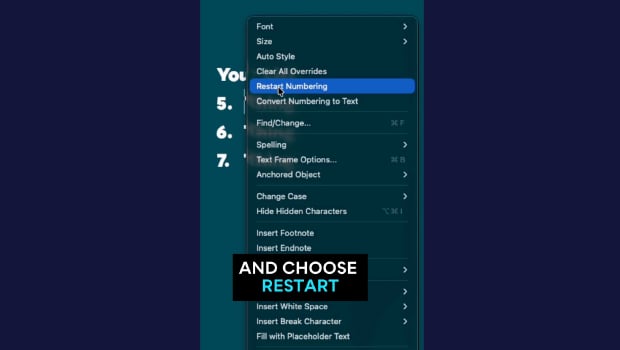
Quickly Renumber a List in InDesign
Khara Plicanic shows how to renumber an InDesign list without digging through me...

Create Space Around a List in InDesign
Add extra space around a list, without creating multiple paragraph styles!

How to Create Numbers in Circles Within a List in InDesign
Learn how to put numbers inside of custom circles in InDesign—even if they are p...